
 TixFin
 help
Find the answer to "how do I …" for organisers, door and crew staff, and ticket buyers
Project leads
Set up the project, sell, invoice and lead the team
Project staff
Your daily work in the dashboard and at the door
Ticket buyers
Buy tickets, show them at the door, pass them on, get receipts
TixFin sells tickets, runs events and checks people in: organisers work in the web dashboard, buyers in the shop and in My tickets, door staff and crew in the TixFin app. Pick your role above, or the product and task below.
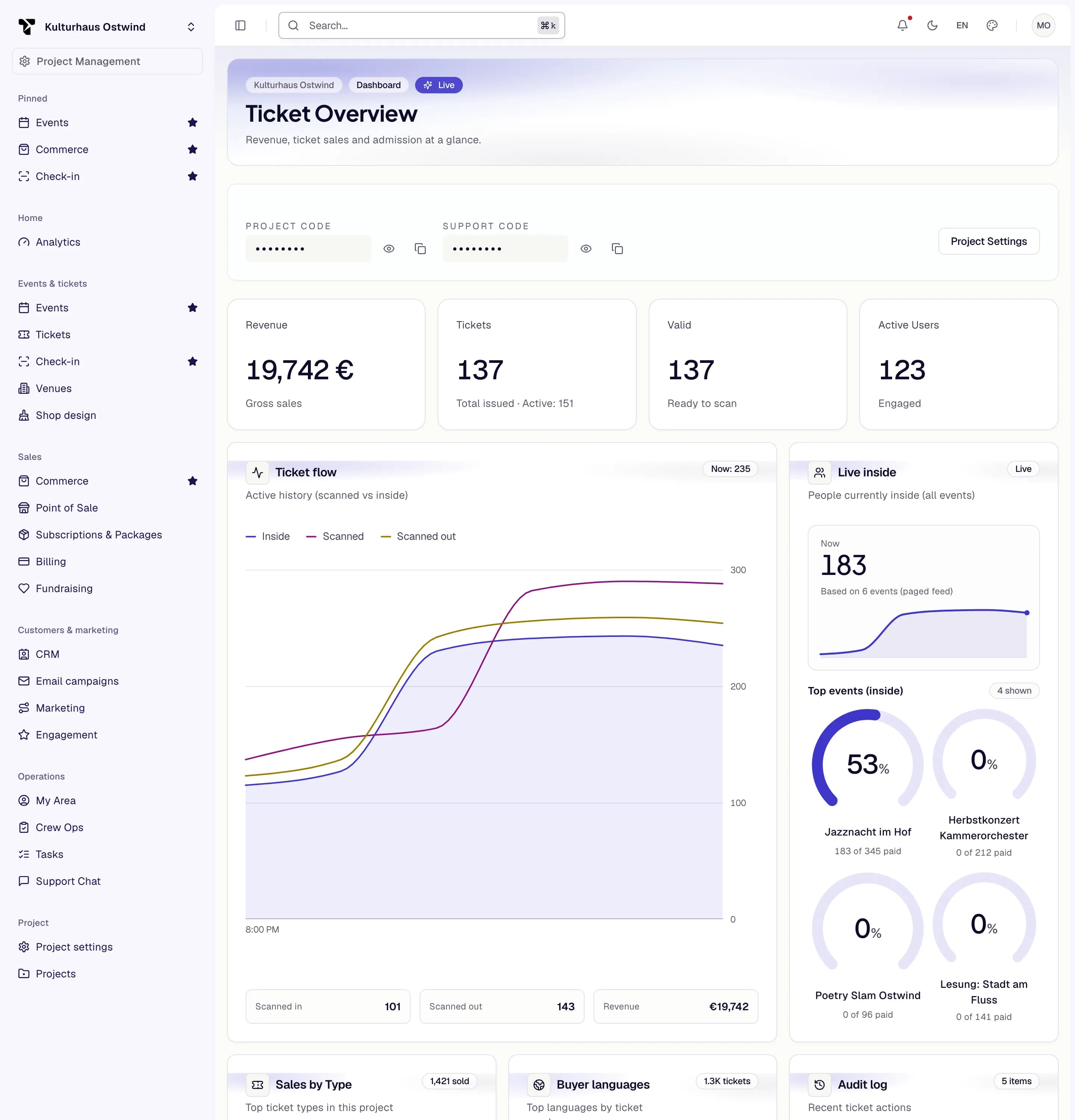
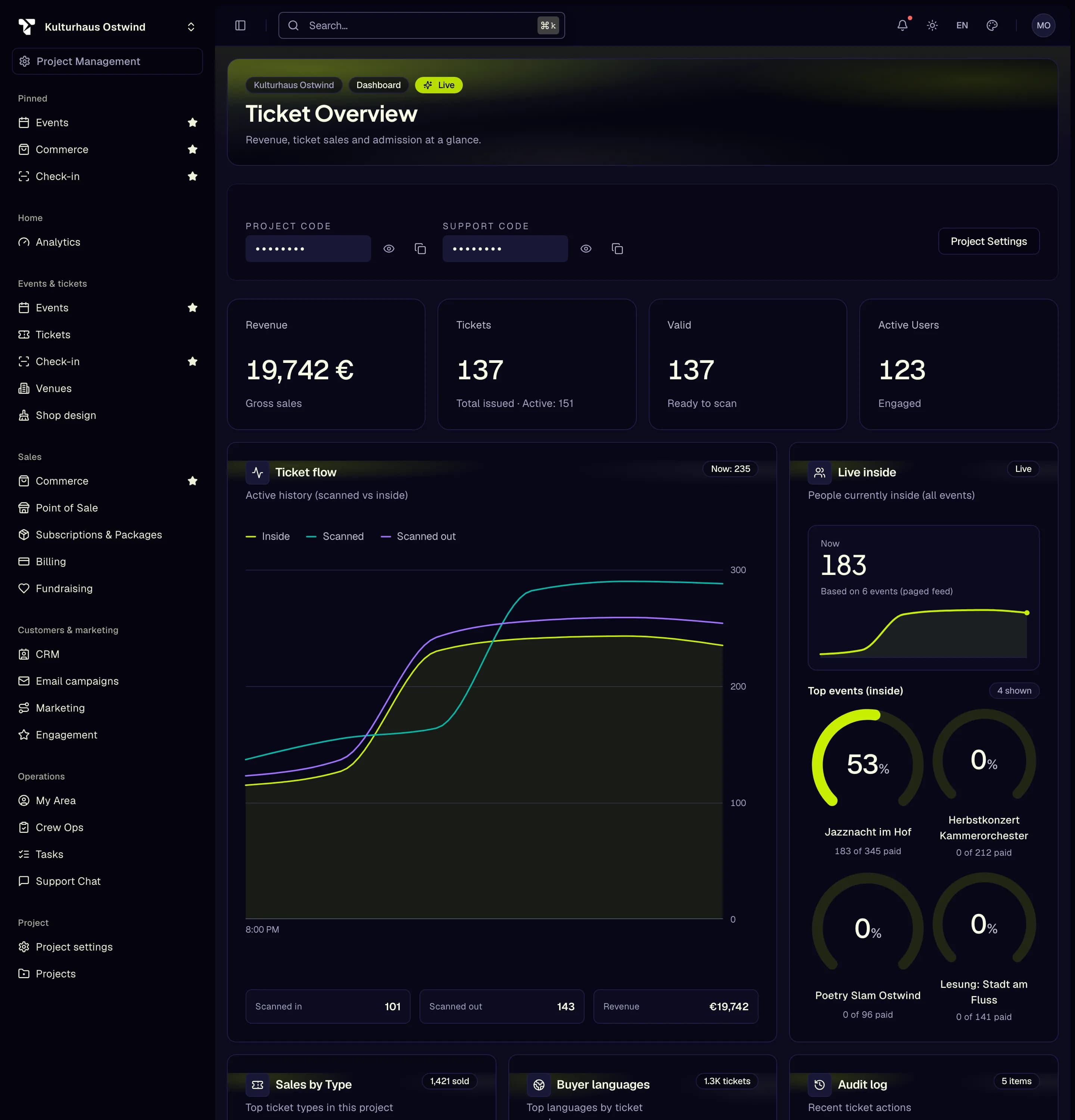
- Project switcher
- Sidebar area, e.g. Tickets
- Search… opens the command palette
- Star to pin an area
- Account menu
TixFin is in beta. The live dashboard is beta.tixfin.com. Beta projects stay in testing mode and cannot sell live.
Organisers
Set up a project, create events and tickets, sell, invoice and run your team
Door & crew app
Scan tickets, work offline, report incidents, check in for your shift
Ticket buyers
Buy tickets, find them, transfer or refund them, get receipts
Developers
Pull events, tickets and orders into your own systems
Organisers: how do I …
| Task | Page |
|---|---|
| Get started from a new account to the first sale | Quick start |
| Find a page, an event or an action (sidebar, ⌘K, pins) | Find your way in the dashboard |
| Secure my account with two-factor authentication or a passkey | Account security |
| Create and publish an event | Events |
| Create ticket types and set prices | Tickets |
| Sell seats from a seat plan | Venues and seatmaps |
| Design my shop and add the legal pages | Shop designer · Shop legal pages |
| Find an order, refund it, sell at the till | Orders and Point of Sale |
| Connect my payment provider | Payments |
| Invite my team and give them roles | Team and roles |
| Check tickets in from a browser | Access control |
| Plan shifts, briefings and incidents for my crew | Crew Ops |
| See everything else | All organiser tasks |
Door and crew: how do I …
| Task | Page |
|---|---|
| Install the app, sign in, lock a door phone | Door & crew app |
| Scan tickets and read the result | Scan tickets |
| Keep scanning without a network | Scan offline |
| Report an incident or acknowledge a briefing | Safety |
| Check in for my shift | Crew check-in |
| Hand out a temporary scanner | Scanner devices |
Ticket buyers: how do I …
| Task | Page |
|---|---|
| Buy tickets and choose seats | Buy tickets |
| Find my tickets and show them at the door | My tickets |
| Give a ticket to someone else, or accept one | Transfer a ticket |
| Get my money back or cancel a membership | Cancellation and withdrawal |
| Find my receipt or invoice | Receipts |
| Sign in, verify my e-mail, use two-factor | Your account |
Still stuck?
- FAQ and Troubleshooting answer the common questions.
- Glossary explains the words TixFin uses, with the German labels.
- Contact support or report a problem.