
 TixFin
Buy tickets
Find an event in a shop, choose tickets and seats, check out, pay, and get your tickets
Every organiser has their own TixFin shop. You buy there, with or without an account.
Where: the organiser's shop (the link from their website, or their shop address) Who can do this: anyone. No account is needed.
The shop opens in German or English, depending on your browser. Switch with the language button in the header. This page gives the German label first and the English one in brackets.
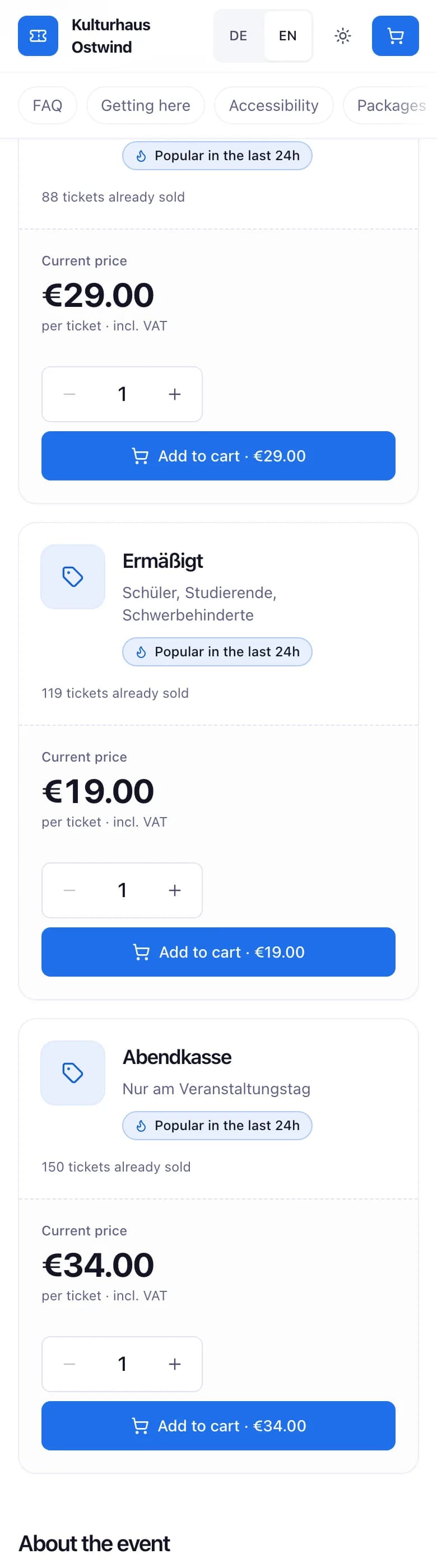
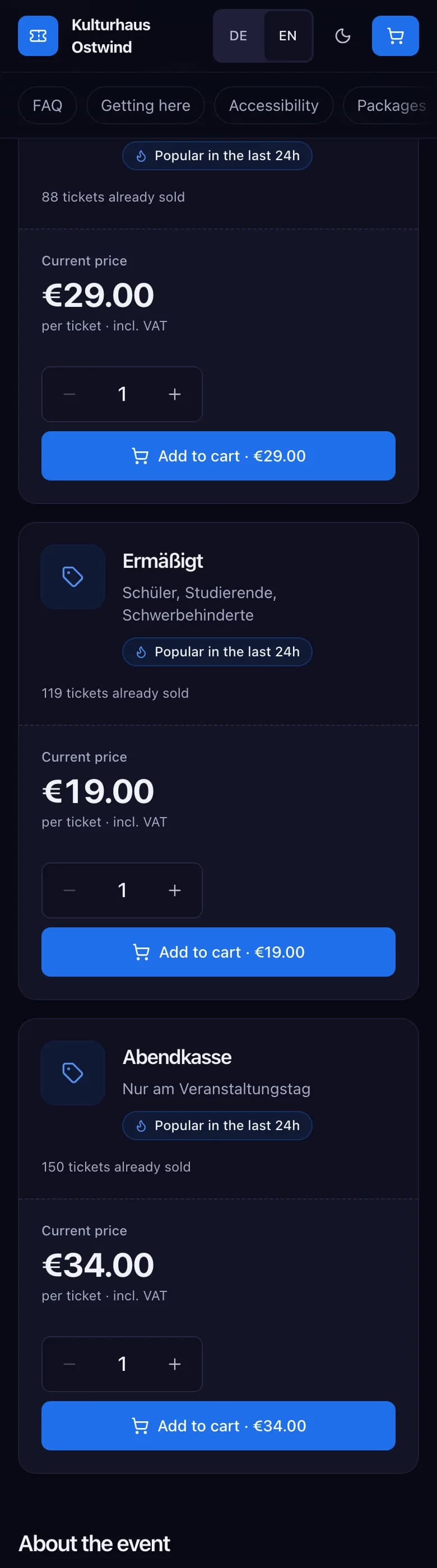
- Price per ticket type
- Set the quantity
- Add to cart
- Cart and checkout
Choose tickets
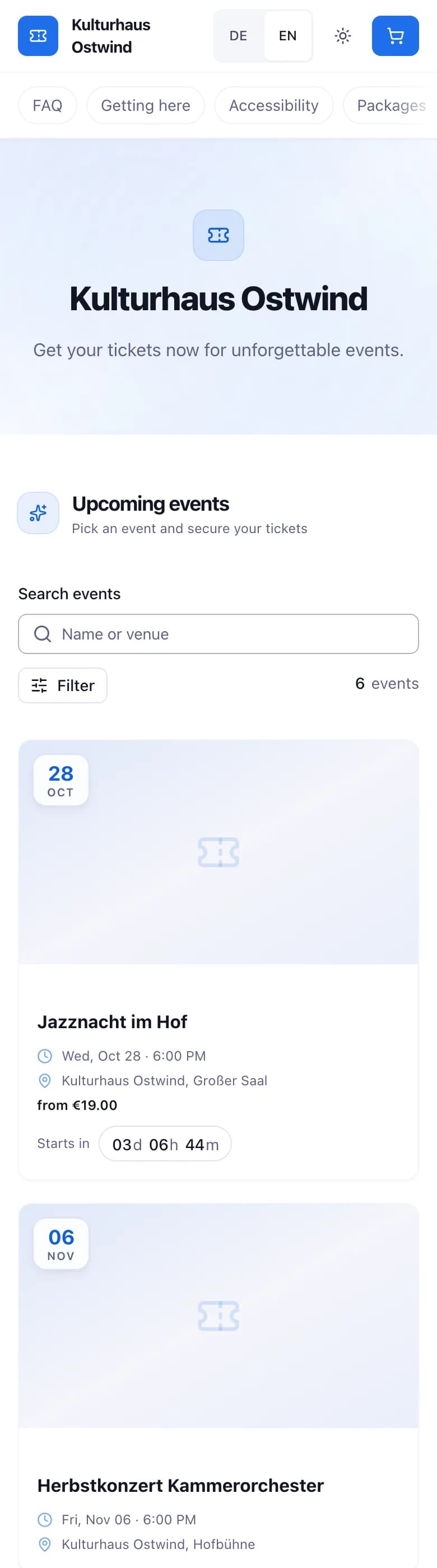
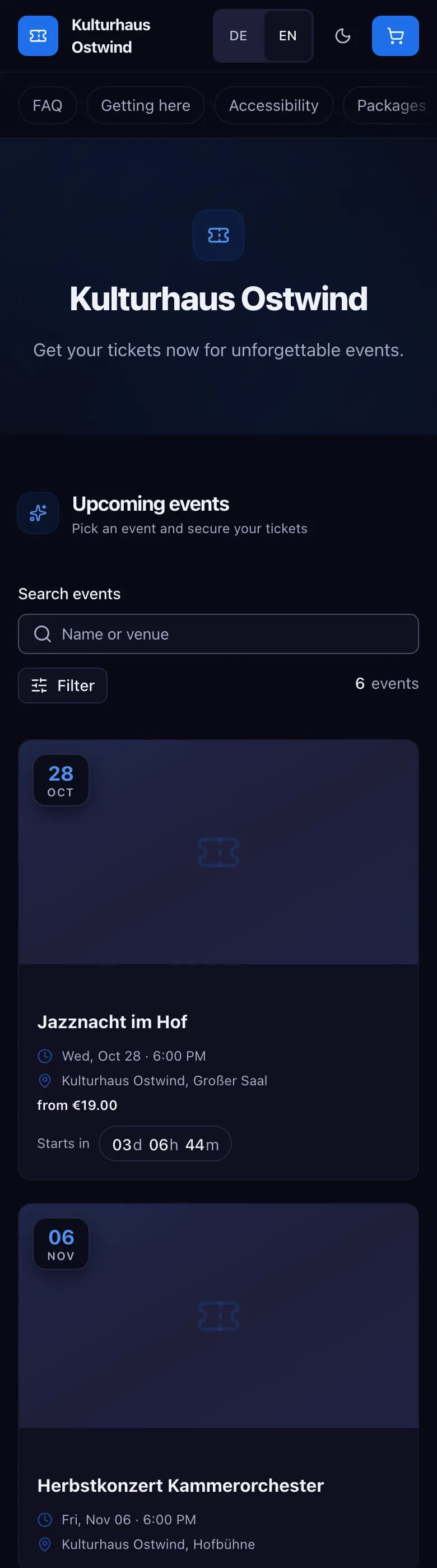
- Language button
- Upcoming events
- Search by name or venue
- Filter by time frame and venue
- Lowest price you can buy now
On the shop's start page, Kommende Events (Upcoming events) lists the events. Search by name or venue, or filter by Zeitraum (Time frame) and Ort (Venue). Each event card shows the lowest price you can buy now, for example ab 19,00 € (from €19.00). Without a price, nothing can be bought right now. Open an event.
Under Tickets wählen (Choose tickets), set the quantity for each ticket type. Each type shows its price and, where set, how many are left or when sale starts.
A ticket type marked Ausverkauft (Sold out), Noch nicht verfügbar (Not available yet) or Derzeit nicht verfügbar (Currently unavailable) cannot be added. If the event is cancelled or postponed, the event page says so at the top.
Some shops also sell Pakete (Packages) and Merchandise from the header, or take donations.
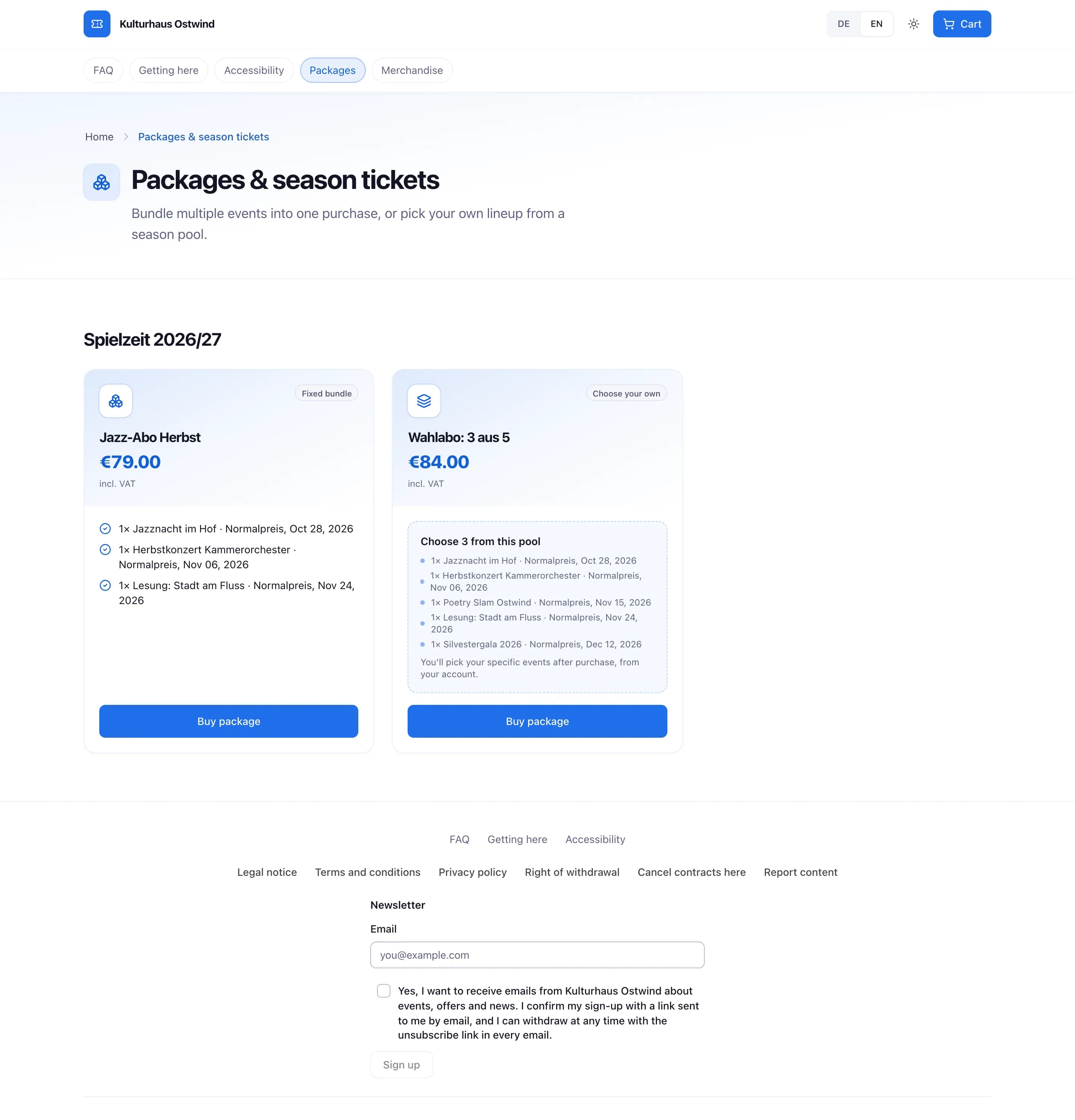
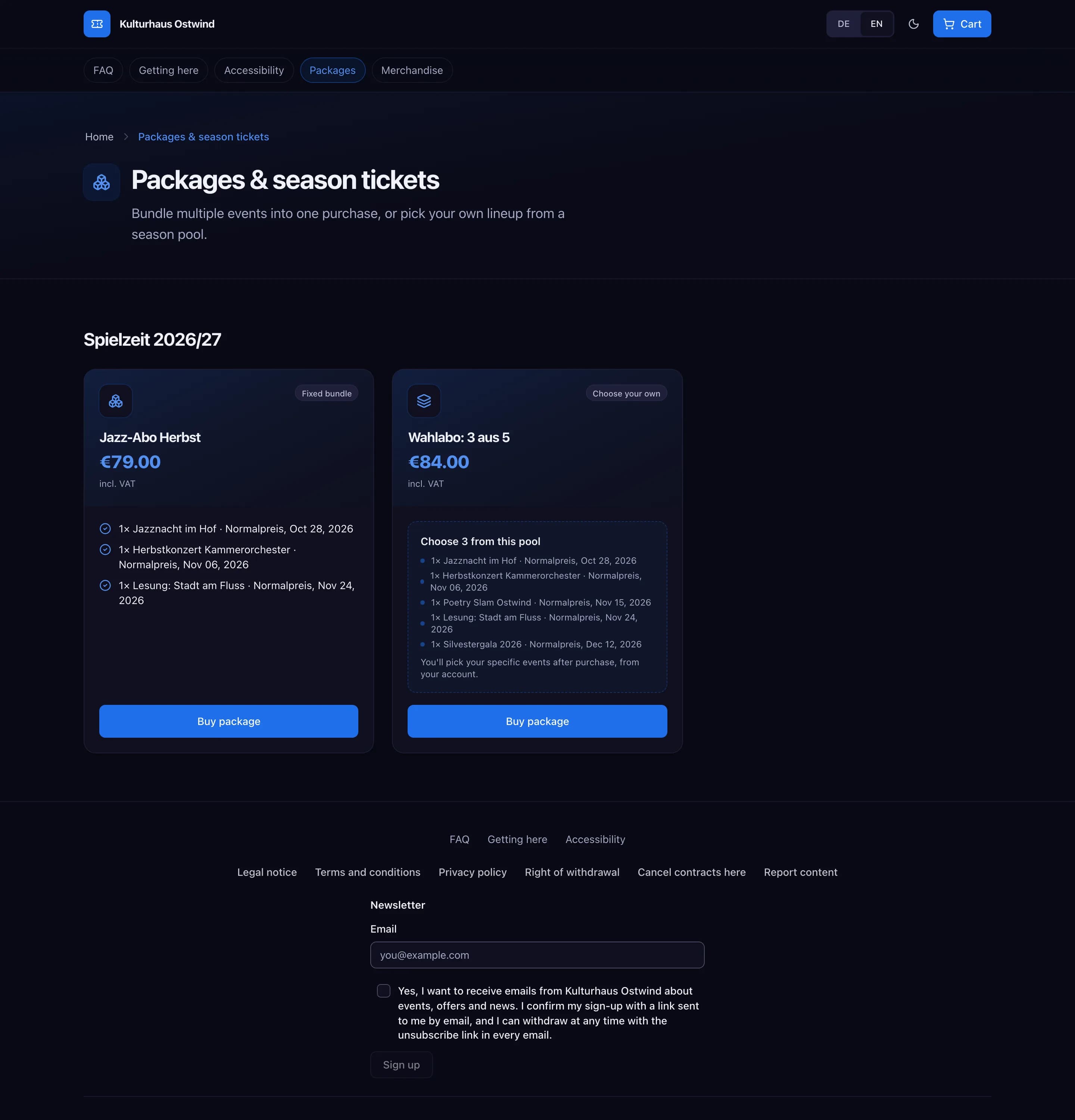
- Packages in the header
- A package and its price
- Buy package
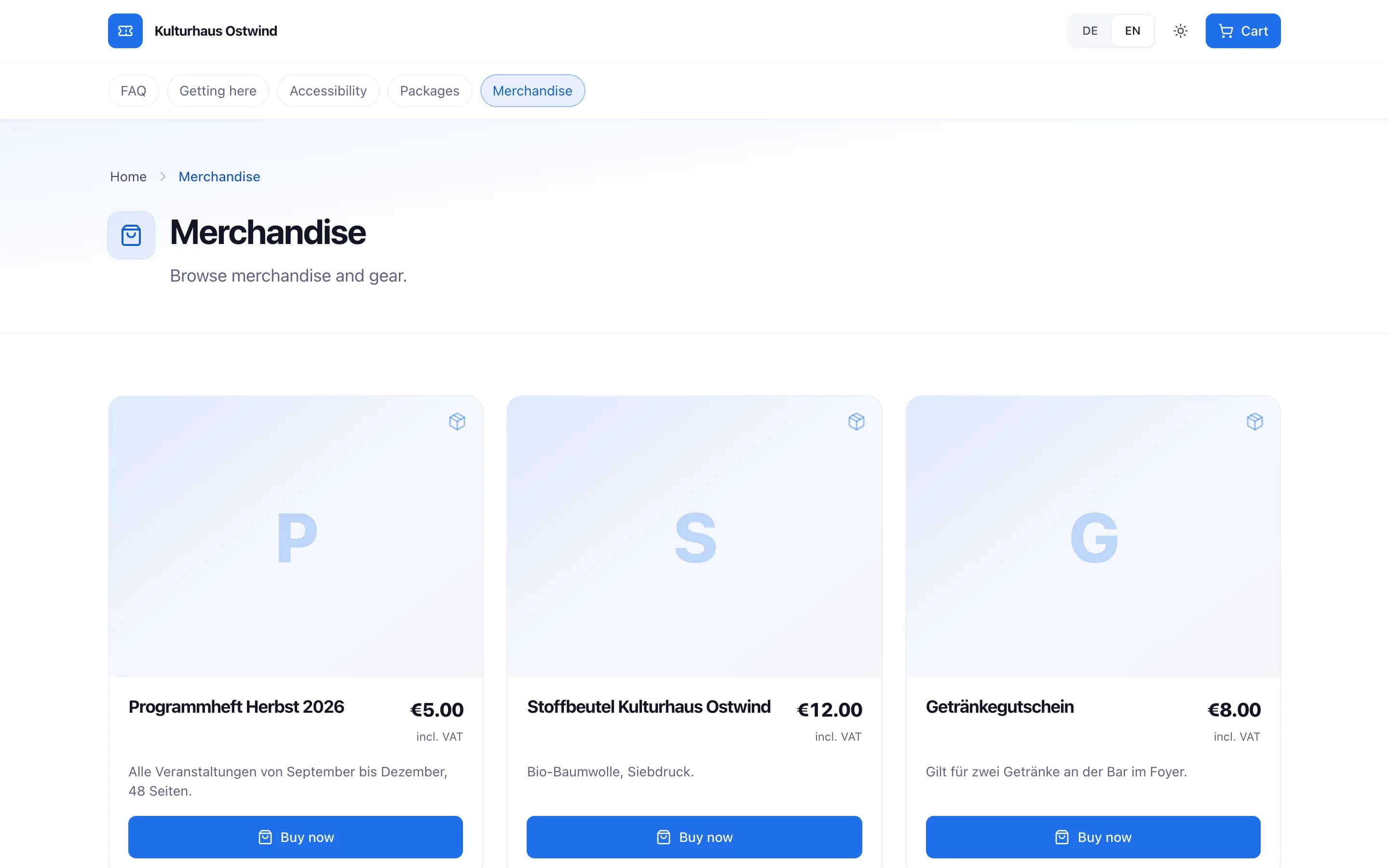
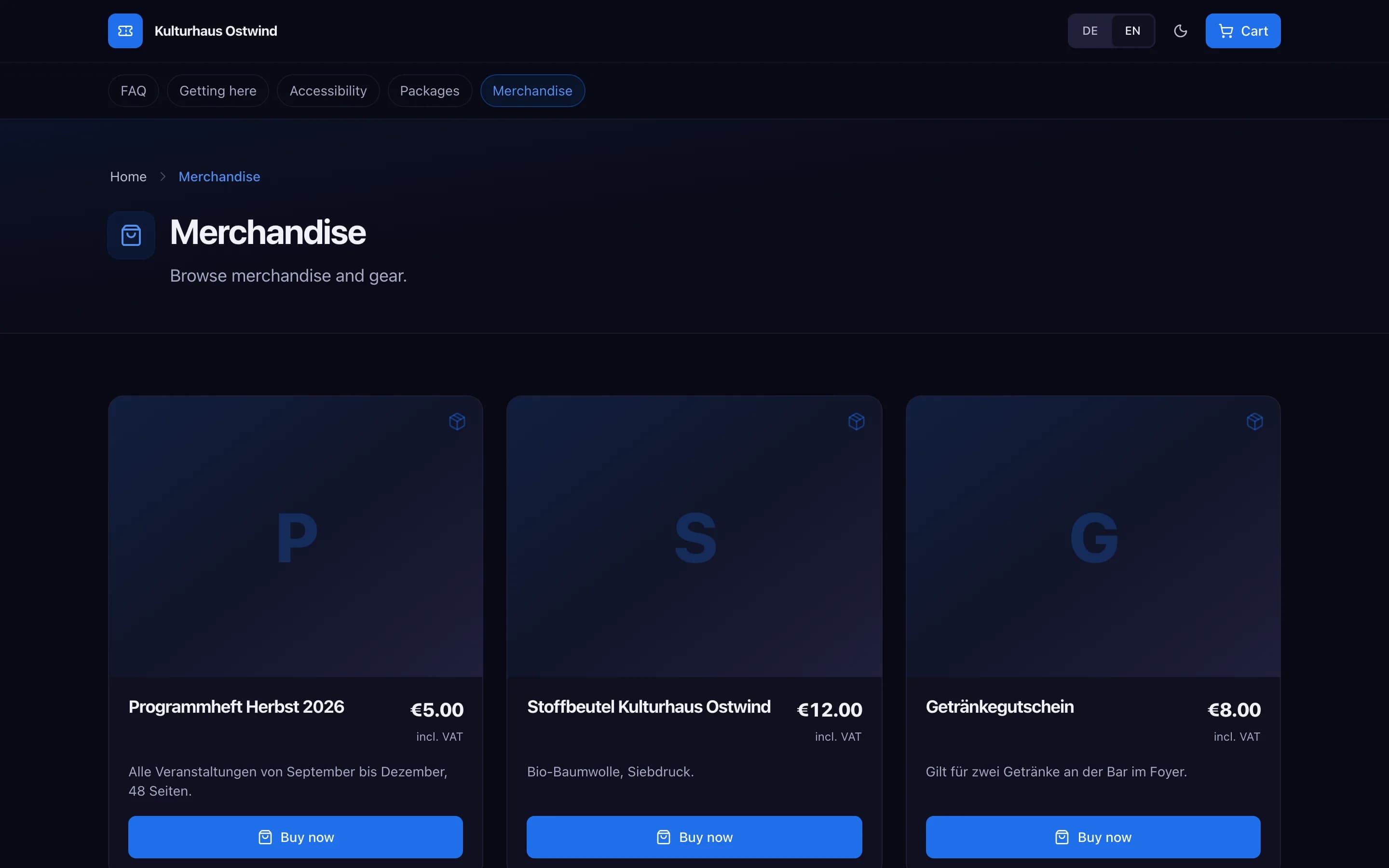
- Merchandise in the header
- Price
- Buy now
Choose seats
For a seated event, a ticket type has Plätze wählen (Select seats) instead of a quantity.
Tap the seats you want. Only seats of the ticket category you chose can be selected. Every other seat shows Nicht verfügbar (Unavailable). On a phone the map opens on your category.
Or let the shop pick: Beste verfügbare Plätze (Best available seats).
The seats are held for you for a limited time. At checkout, Deine Plätze sind für dich reserviert (Your seats are held for you) counts down. Finish your order before it ends.
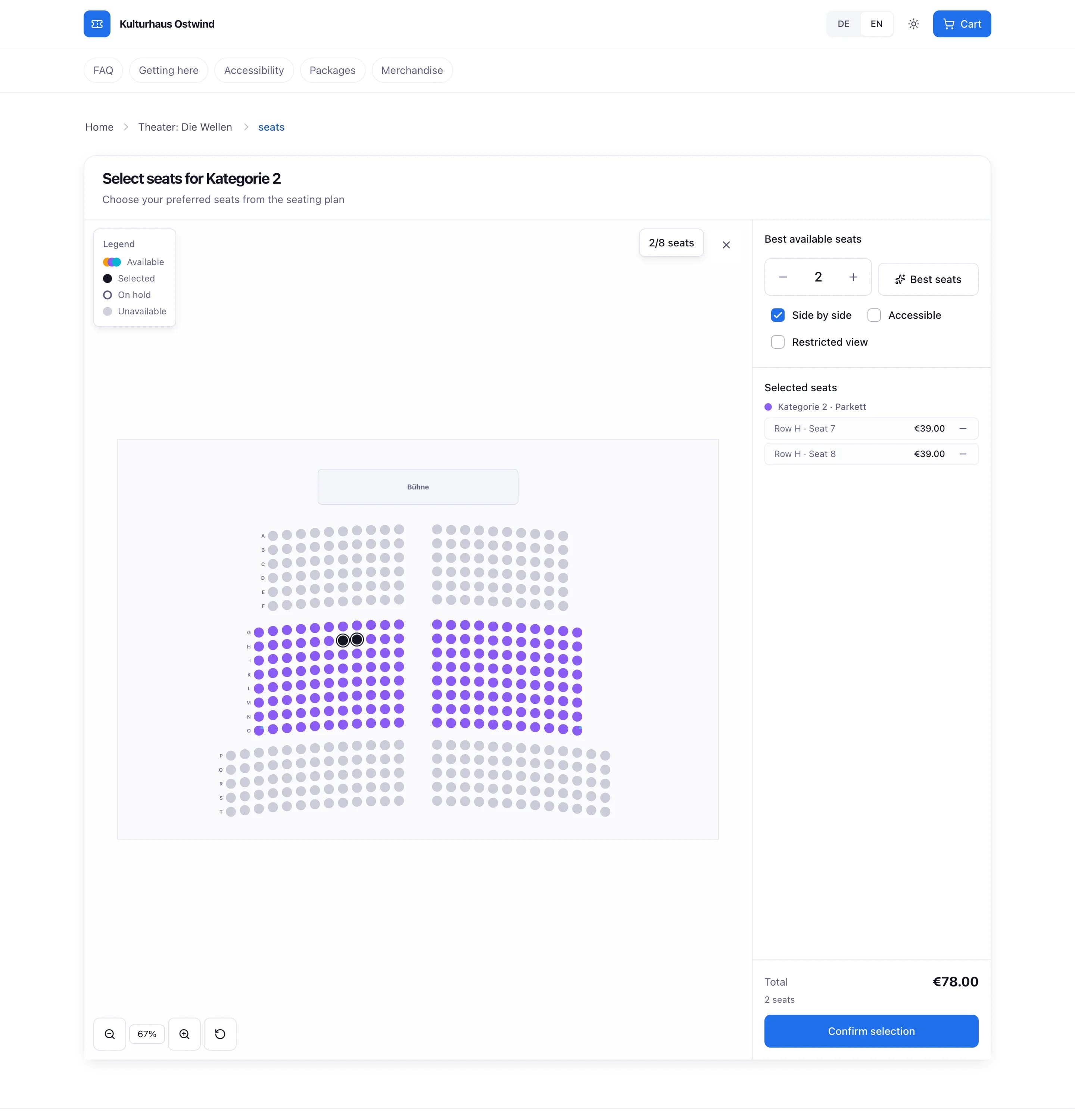
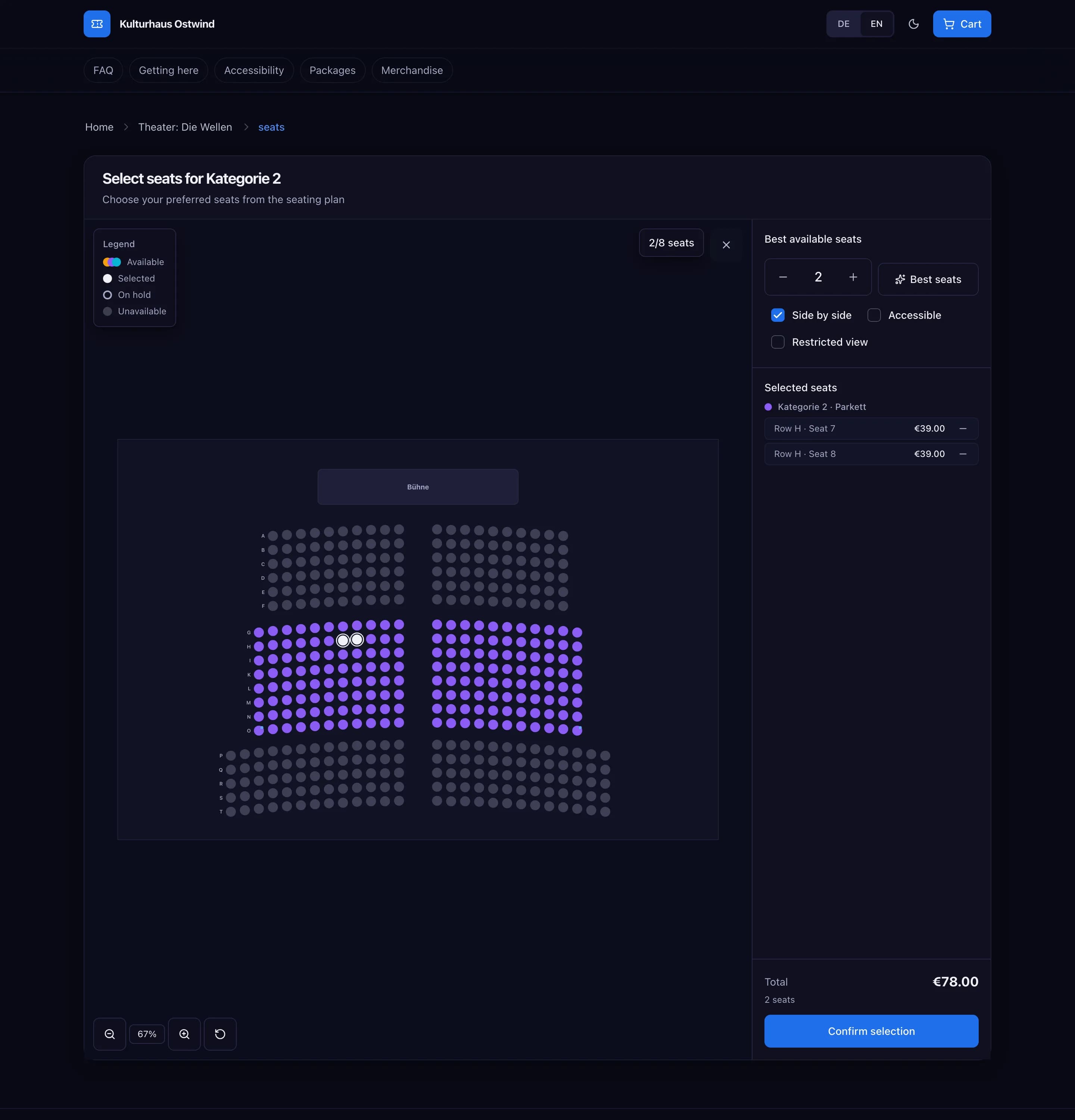
- Tap the seats you want
- Best available seats
- Your selected seats
- Confirm selection
Check out and pay
Check the cart. Change quantities or remove items. Enter a voucher under Gutscheincode? (Have a voucher code?) and press Prüfen (Check). The voucher is checked again when you pay. To pay with a gift card, open Geschenkkarte? (Gift card?), enter its code and press Prüfen. The summary shows the amount the gift card pays; you pay the rest. If the order total changes, check the gift card again.
Fill in Kontaktdaten (Contact details): first name, last name, e-mail and date of birth. The tickets go to this e-mail address, so check it carefully. The date of birth is used to check the event's age rating.
Answer the Käuferfragen (Buyer questions), if the organiser asks any.
If you need an invoice with your address, tick Ich brauche eine Rechnung mit meiner Rechnungsadresse (I need an invoice with my billing address) and fill in the address. For larger orders the address fields show up on their own.
Choose the Zahlungsmethode (Payment method). Which methods you see depends on the organiser's payment provider, for example card payment or PayPal. You always pay online; bank transfer is not offered for tickets.
Press Zahlungspflichtig bestellen (Order with obligation to pay), or Kostenlos bestellen (Order for free) for free tickets. For online payment you continue on the payment provider's page.
The organiser is paid directly through their own payment provider. TixFin does not hold your money.
Above the order button the shop links the organiser's terms, privacy policy and withdrawal policy. See Cancellation and withdrawal.
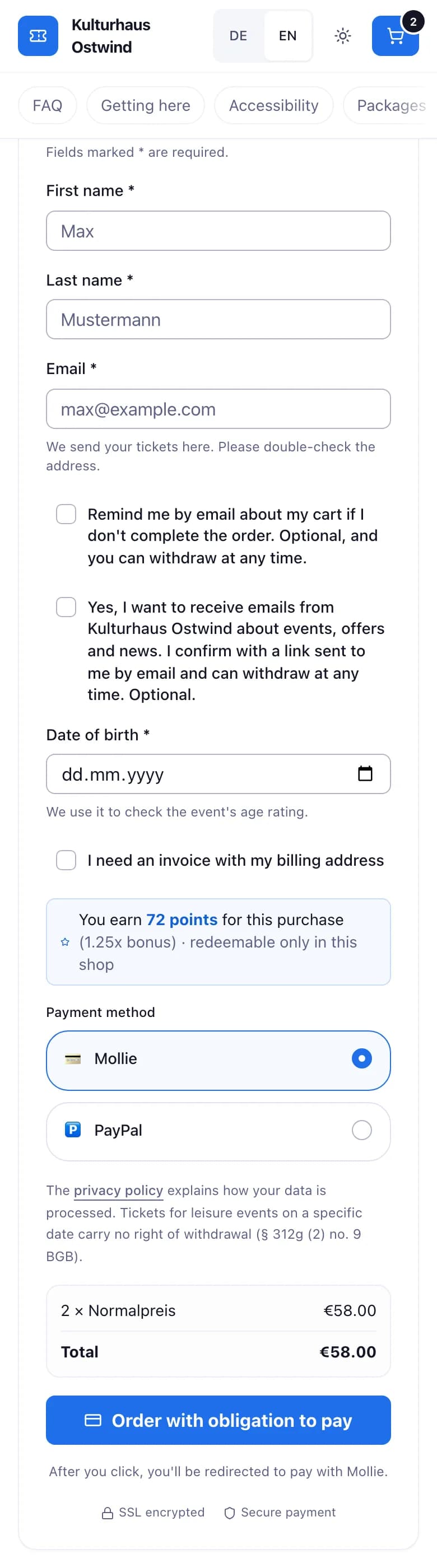
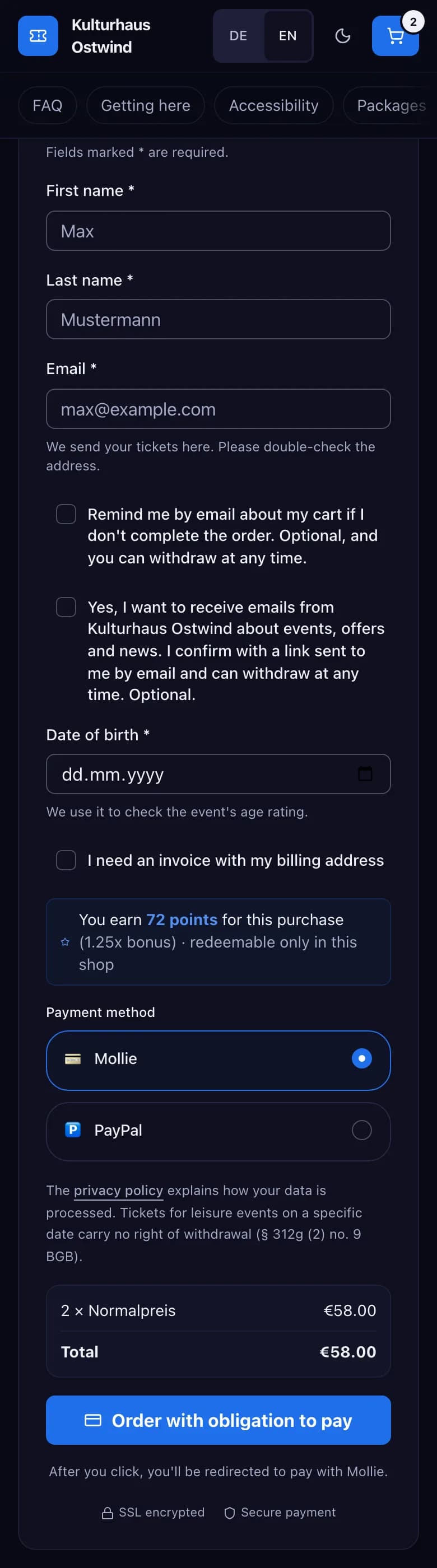
- Check your e-mail address
- Date of birth
- Invoice with billing address
- Payment method
- Order with obligation to pay
After you order
You see Bestellung eingegangen (Order received) while the payment is being checked. Then the order confirmation e-mail arrives with the link to your tickets.
| You ordered | What happens |
|---|---|
| Paid tickets | Once the payment is confirmed, you get the e-mail "Your tickets for … – order …" with the link to your tickets |
| Free tickets | You get "Please confirm your free tickets". Open the link within 10 minutes, or the tickets are not issued |
With a TixFin account under the same e-mail address, the tickets also appear in My tickets. Once the invoice is issued, it comes by e-mail too: as a link to the PDF without an account, or to My purchases with one. See Receipts and e-mails.
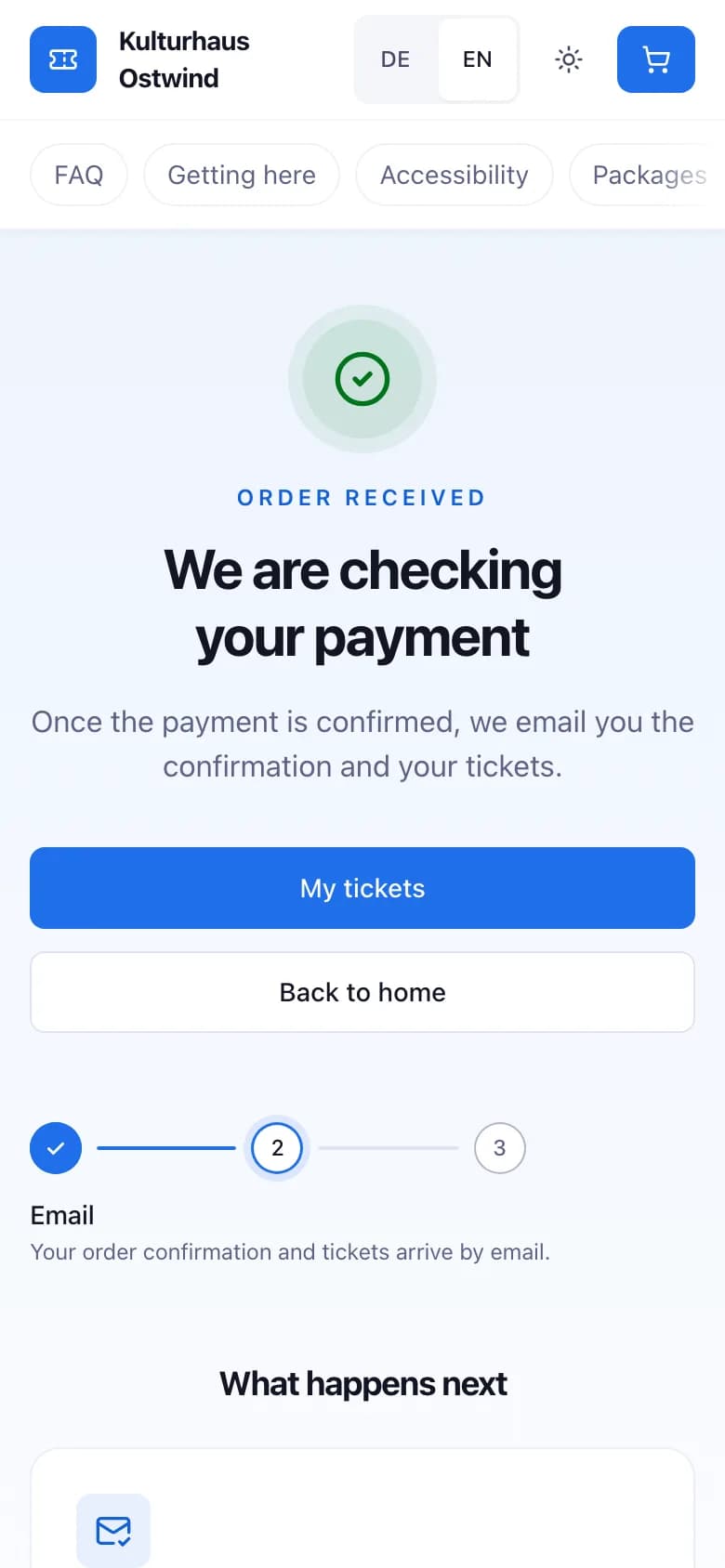
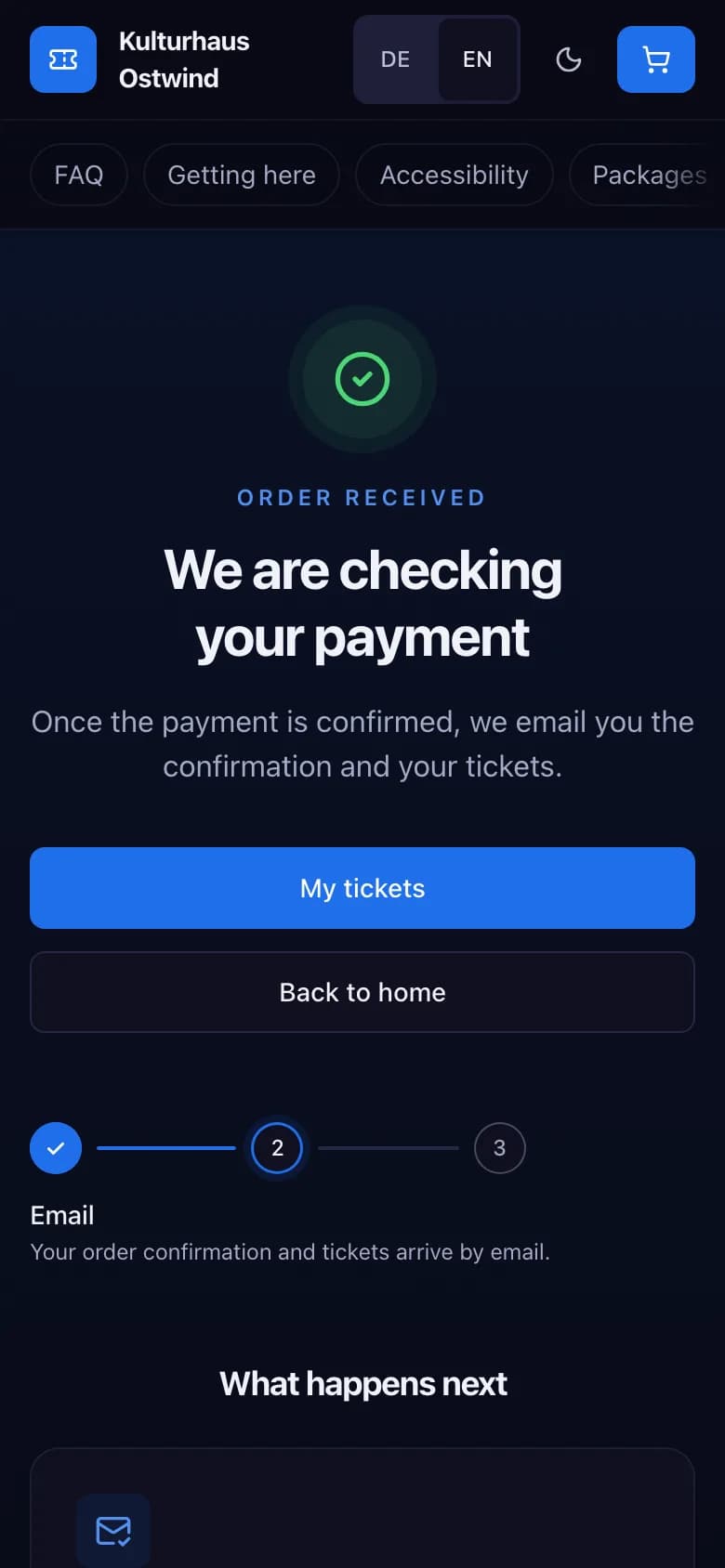
- Order received
- Confirmation comes by e-mail
- Open your tickets
If you cancel the payment
If you cancel on the payment provider's page, you come back to the shop, not to an order confirmation. Nothing is charged and no tickets are issued.
- Tickets: you are back at the checkout with Zahlung abgebrochen (Payment cancelled). Tickets without a seat are back in the cart. Seats are not kept: press Plätze neu wählen (Choose seats again) to open the seat map again.
- Packages, merchandise and donations: you see a Zahlung abgebrochen (Payment cancelled) page. Start again from the shop.
- Organisers who use Adyen: Adyen's payment page cannot send you back to the checkout. You land on Bestellung eingegangen (Order received), which asks Zahlung abgebrochen? (Payment cancelled?) and offers Warenkorb wiederherstellen (Restore cart).
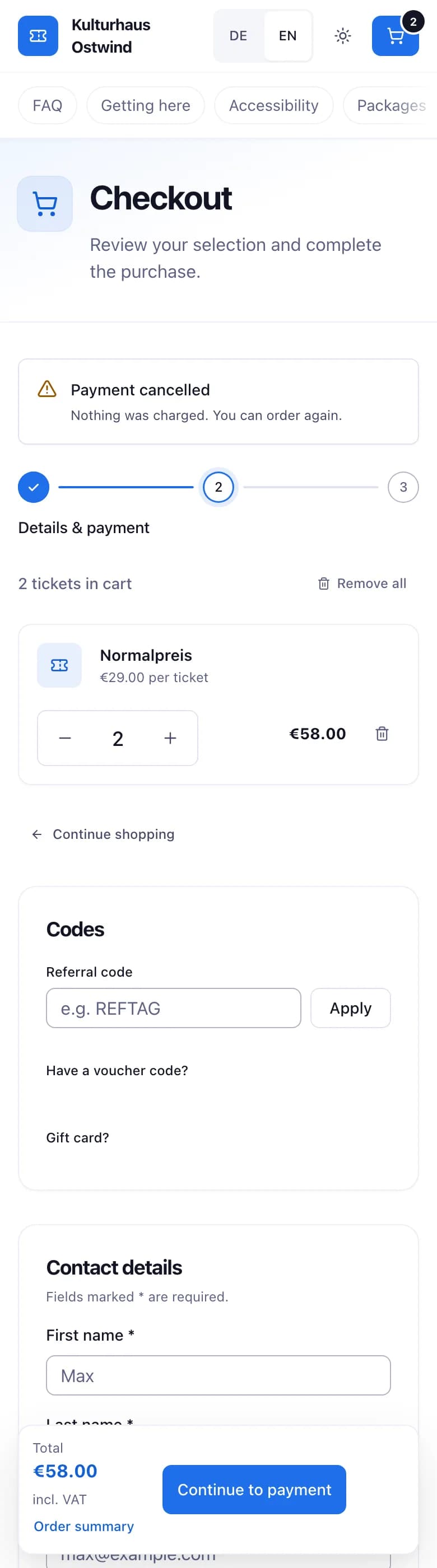
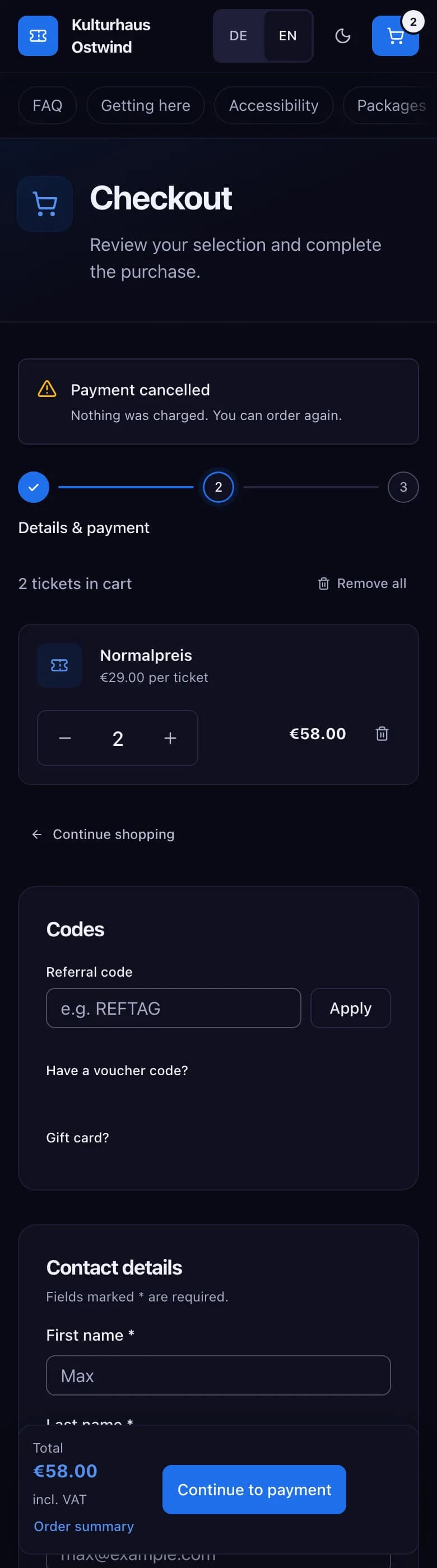
- Payment cancelled
- Tickets back in the cart
- Pay again
Join a waitlist
When a ticket type is sold out and the organiser offers a waitlist, it shows Zur Warteliste (Join waitlist).
When a ticket is released, you get an offer by e-mail. The link opens Ticket freigeschaltet (Ticket unlocked) with the time remaining. Press Jetzt kaufen (Buy now) and order before the time runs out.
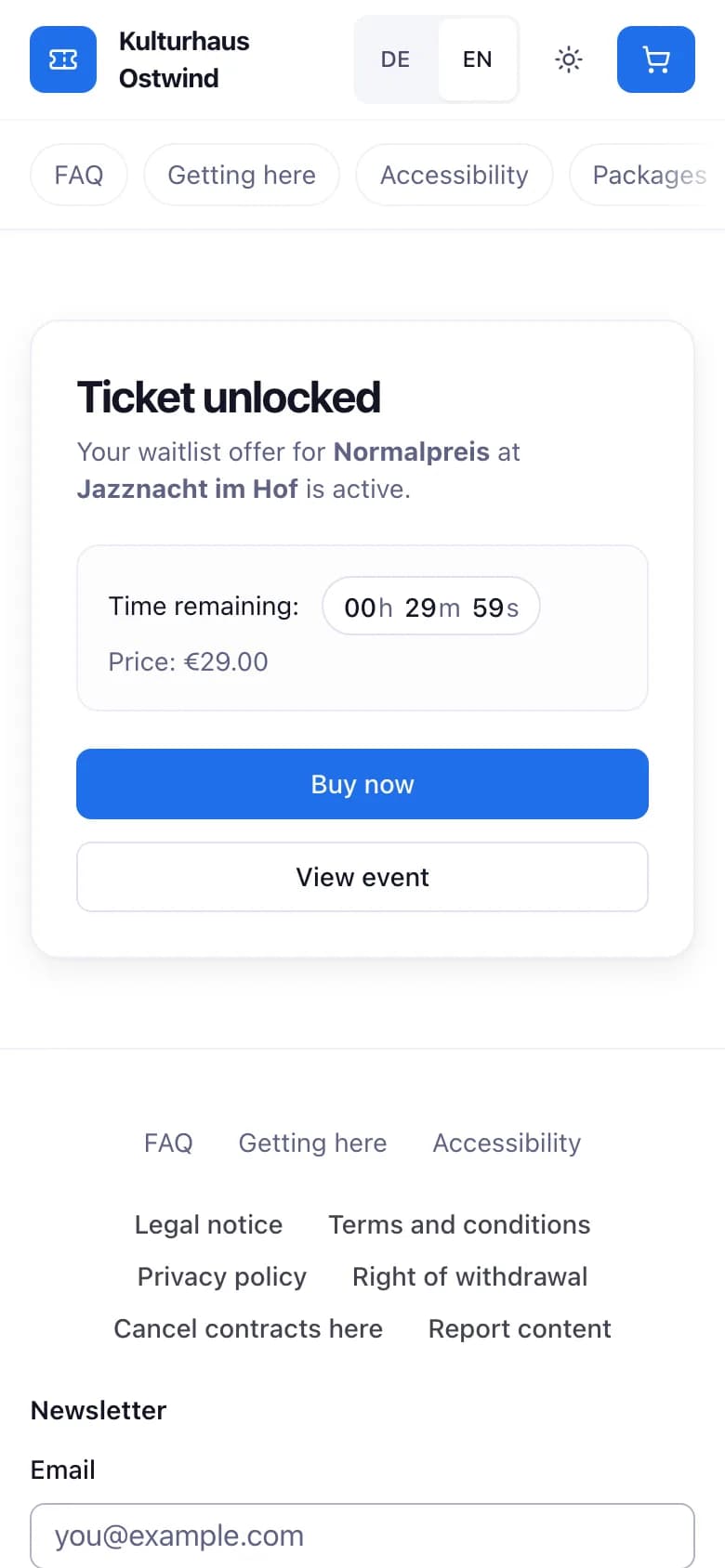
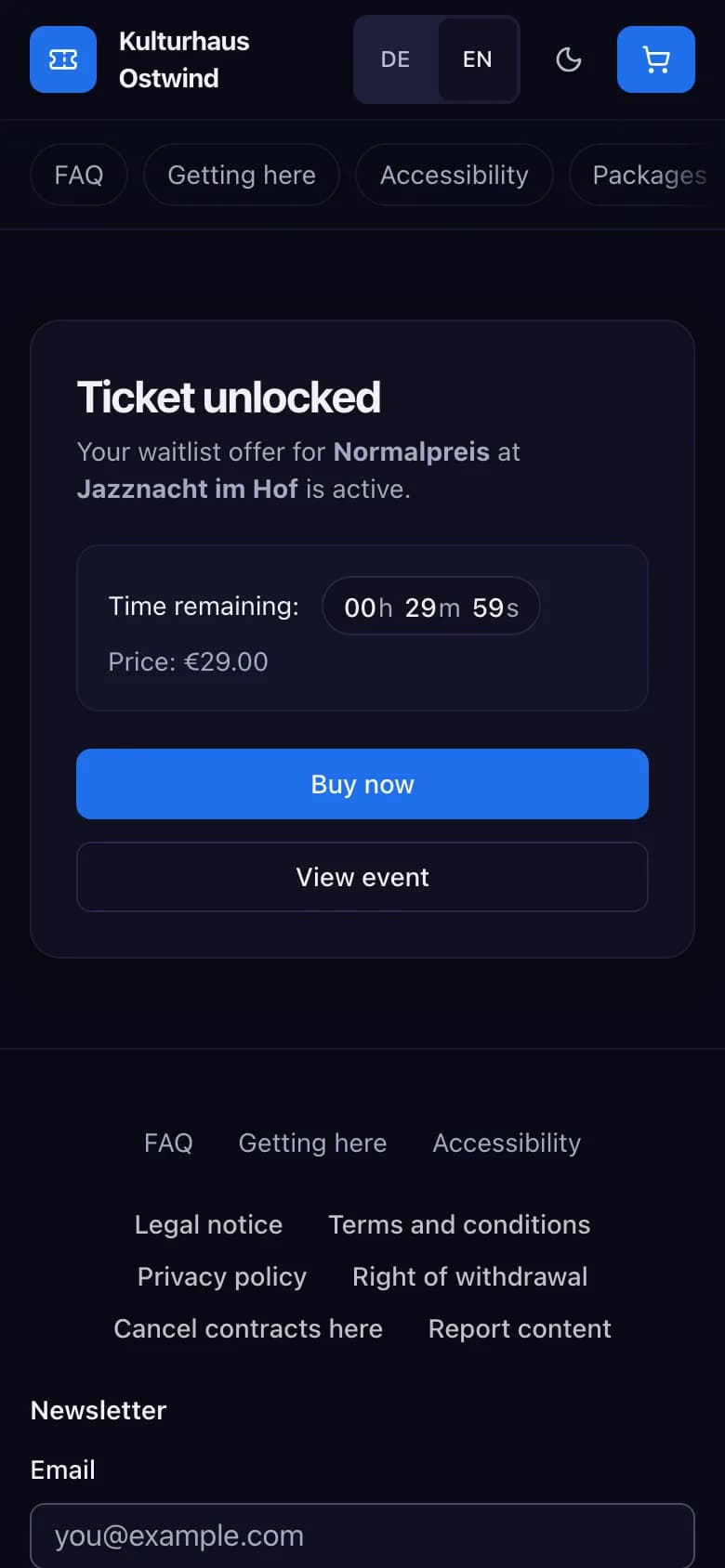
- Ticket unlocked
- Time remaining
- Buy now
If you joined while signed in, your place also appears under My tickets → Your waitlist places, where you can leave it. See Leave a waitlist.
Contact the organiser
If the shop offers a support chat, a chat button sits in the corner of every page.
The conversation stays saved on this device. On another device, enter the same e-mail and press Konversation fortsetzen (Continue conversation).
No chat button? Contact the organiser using the details on the shop's Impressum (Legal notice) page.
Buy in the dashboard
Signed in with an account that already holds tickets, you can also buy from the account menu → Buy tickets: choose an event, add tickets to the cart and check out. You then land on My tickets, where you pay the order with Pay now. If you cancel the payment, My tickets shows Payment cancelled and the order stays open until its payment deadline.
Why an order was refused
When the shop cannot take an order, it says why. The dashboard's Buy tickets cart shows the same reasons in English or German. Nothing has been charged.
| Message | What to do |
|---|---|
| Ein Ticket im Warenkorb ist nicht mehr in dieser Anzahl verfügbar. Bitte verringere die Anzahl oder entferne es. (A ticket in your cart is no longer available in this quantity. Please lower the quantity or remove it.) | Lower the quantity or remove the ticket. The message names the ticket type when the shop can tell which one. |
| Ein Ticket im Warenkorb ist gerade nicht im Verkauf. Bitte entferne es aus dem Warenkorb. (A ticket in your cart is not on sale right now. Please remove it from your cart.) | Remove the ticket named in the message. |
| Deine Platzreservierung ist abgelaufen oder gehört nicht mehr dir. Bitte wähle deine Plätze erneut. (Your seat reservation has expired or is no longer yours. Please choose your seats again.) | The seats are removed from the cart. Choose them again on the seat map. |
| Plätze können in diesem Shop noch nicht gekauft werden. Bitte wähle ein Ticket ohne Sitzplatz. (Seats cannot be bought in this shop yet. Please choose a ticket without a seat.) | Choose a ticket without a seat. |
| Du hast die Höchstzahl an Tickets pro Person für diese Veranstaltung erreicht. Bitte verringere die Anzahl. (You have reached the per-person ticket limit for this event. Please lower the quantity.) | Lower the quantity. |
| Für Bestellungen über 250 € brauchen wir deine Rechnungsadresse. Bitte fülle sie aus und bestelle erneut. (Orders over €250 need your billing address. Please fill it in and order again.) | The billing address form opens. Fill it in and order again. |
| Kostenlose Tickets und Mitgliedschaften gibt es nur mit einem TixFin-Konto. Bitte melde dich an und bestelle dort. (Free tickets and memberships need a TixFin account. Please sign in and order there.) | Sign in, or create an account, and order again. |
| So viele Tickets passen nicht in eine Bestellung. Bitte teile sie auf mehrere Bestellungen auf. (That many tickets do not fit in one order. Please split them across several orders.) | Split the tickets across several orders. |
| Die Tickets im Warenkorb haben verschiedene Währungen. Bitte bestelle sie getrennt. (The tickets in your cart are in different currencies. Please order them separately.) | Order the tickets separately. |
| Der Veranstalter verkauft gerade keine Tickets. Bitte versuche es später erneut. (The organiser is not selling tickets right now. Please try again later.) | Try again later, or contact the organiser. |
| Du hast zu viele unbezahlte Bestellungen offen. Bitte bezahle eine davon oder warte, bis sie verfällt. (You have too many unpaid orders open. Please pay one of them or wait until it lapses.) | Pay one of your open orders in My tickets, or wait until it lapses. |
| Gerade warten sehr viele Bestellungen auf Bestätigung. Bitte versuche es in ein paar Minuten erneut. (Too many orders are awaiting confirmation right now. Please try again in a few minutes.) | Wait a few minutes. |
| Der Gutschein gilt für diese Bestellung nicht. Bitte entferne ihn oder prüfe den Code. (The voucher does not apply to this order. Please remove it or check the code.) | The voucher field is marked. Remove the voucher or check the code. |
| Die Geschenkkarte kann für diese Bestellung nicht verwendet werden. Bitte prüfe sie oder bezahle ohne sie. (The gift card cannot be used for this order. Please check it or pay without it.) | Check the gift card, or pay without it. |
| Diese Bestellung wurde schon mit anderen Angaben gestartet. Bitte sende sie noch einmal ab. (This order was already started with different details. Please submit it again.) | Press the order button again. |
| Die Zahlung ist fehlgeschlagen. Bitte sende die Bestellung noch einmal ab. (The payment failed. Please submit the order again.) | Press the order button again. |
| Der Veranstalter bietet diese Zahlungsart nicht an. Bitte wähle eine andere. (The organiser does not offer this payment method. Please choose another one.) | The method leaves the list until you reload. Choose another one. |
| Online bezahlen ist für diese Bestellung gerade nicht möglich. Bitte versuche es später erneut. (Paying online is not possible for this order right now. Please try again later.) | Try again later, or contact the organiser. |
| Der Zahlungsanbieter des Veranstalters hat die Zahlung abgelehnt. Bitte wähle eine andere Zahlungsart oder versuche es später erneut. (The organiser's payment provider declined the payment. Please choose another payment method or try again later.) | Choose another payment method, or try again later. |
Common problems
- "Die Bestellung wurde abgelehnt: Ein Ticket ist nicht mehr verfügbar oder ein Gutschein gilt nicht mehr." (The order was refused: a ticket is no longer available or a voucher no longer applies.) The shop could not tell the exact reason. Check the quantities and voucher codes in the cart, then order again.
- "Keine Verbindung." (No connection.) Check your internet connection and try again.
- "Bezahlung konnte nicht gestartet werden." (Payment could not be started.) Try again. If it keeps failing, contact the organiser.
- "Einige der gewählten Plätze wurden gerade vergeben." (Some of the selected seats were just taken.) Choose other seats.
- "Kostenpflichtige Tickets sind derzeit nicht verfügbar." (Paid tickets are currently unavailable.) or "Checkout vorübergehend nicht verfügbar" (Checkout temporarily unavailable). The shop cannot take payments right now. Free tickets can still be ordered. Try again later or contact the organiser.
- "Der Preis hat sich geändert" (The price has changed). The order costs a different amount than shown. Nothing has been paid yet. Continue only if the new amount is right.
- No e-mail. Check your spam folder. See The e-mail did not arrive.