
 TixFin
Cancellation and withdrawal
Where to find the organiser's terms and withdrawal policy, and how to cancel a membership or recurring donation
When you buy in a TixFin shop, your contract is with the organiser, not with TixFin. The order confirmation names the seller. Your rights to withdraw or cancel are set out in the organiser's legal pages and by law. This page shows where to find them and how to cancel a running contract.
Where: the shop footer, or account menu → My memberships Who can do this: anyone. Cancelling a contract needs no account.
Read the organiser's policies
Every shop has these links in its footer:
| Link (German / English) | What it holds |
|---|---|
| Impressum (Legal notice) | Who the organiser is |
| AGB (Terms and conditions) | The organiser's terms for your purchase |
| Datenschutz (Privacy policy) | How the organiser handles your data |
| Widerrufsbelehrung (Right of withdrawal) | Whether and how you can withdraw from a purchase |
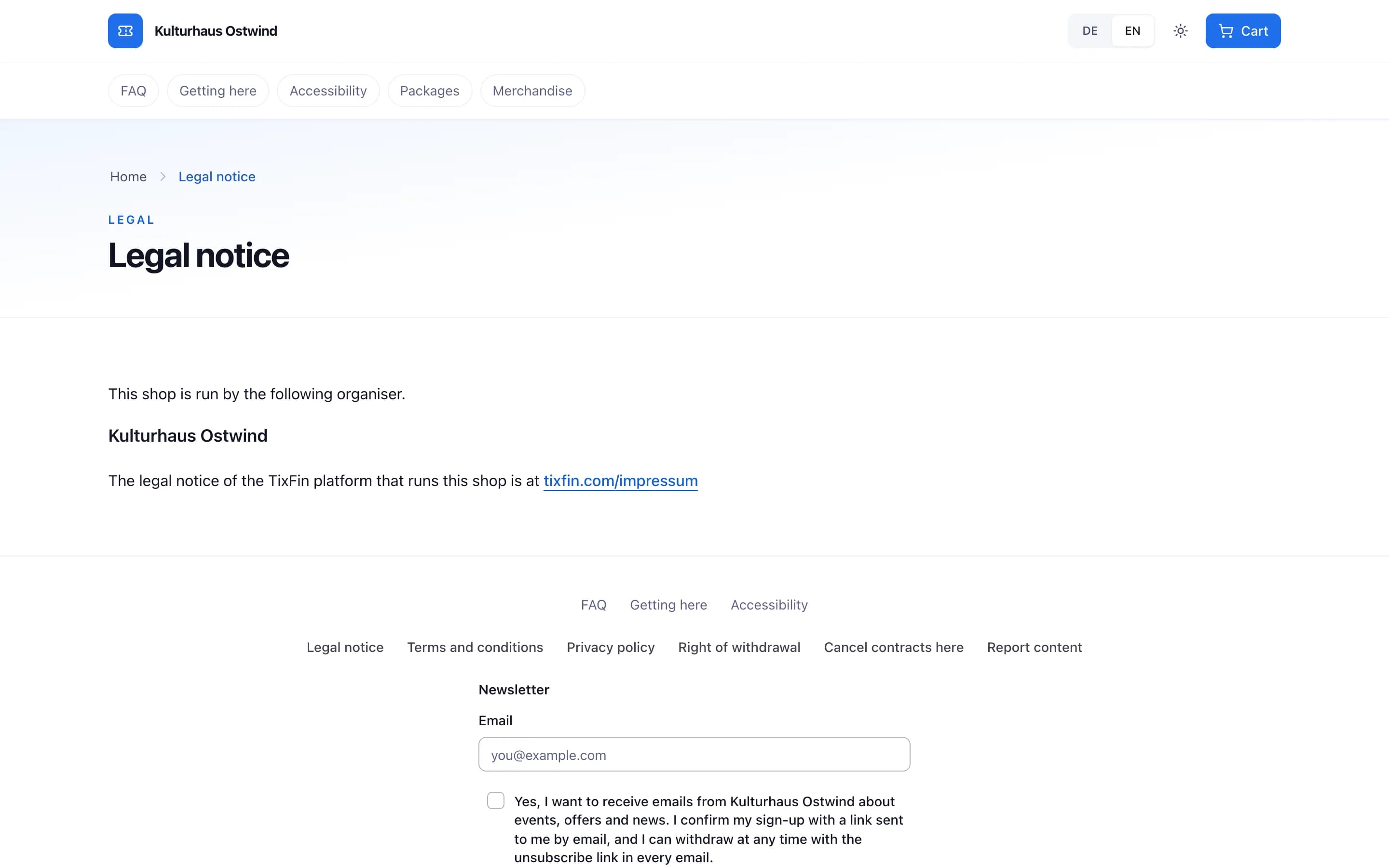
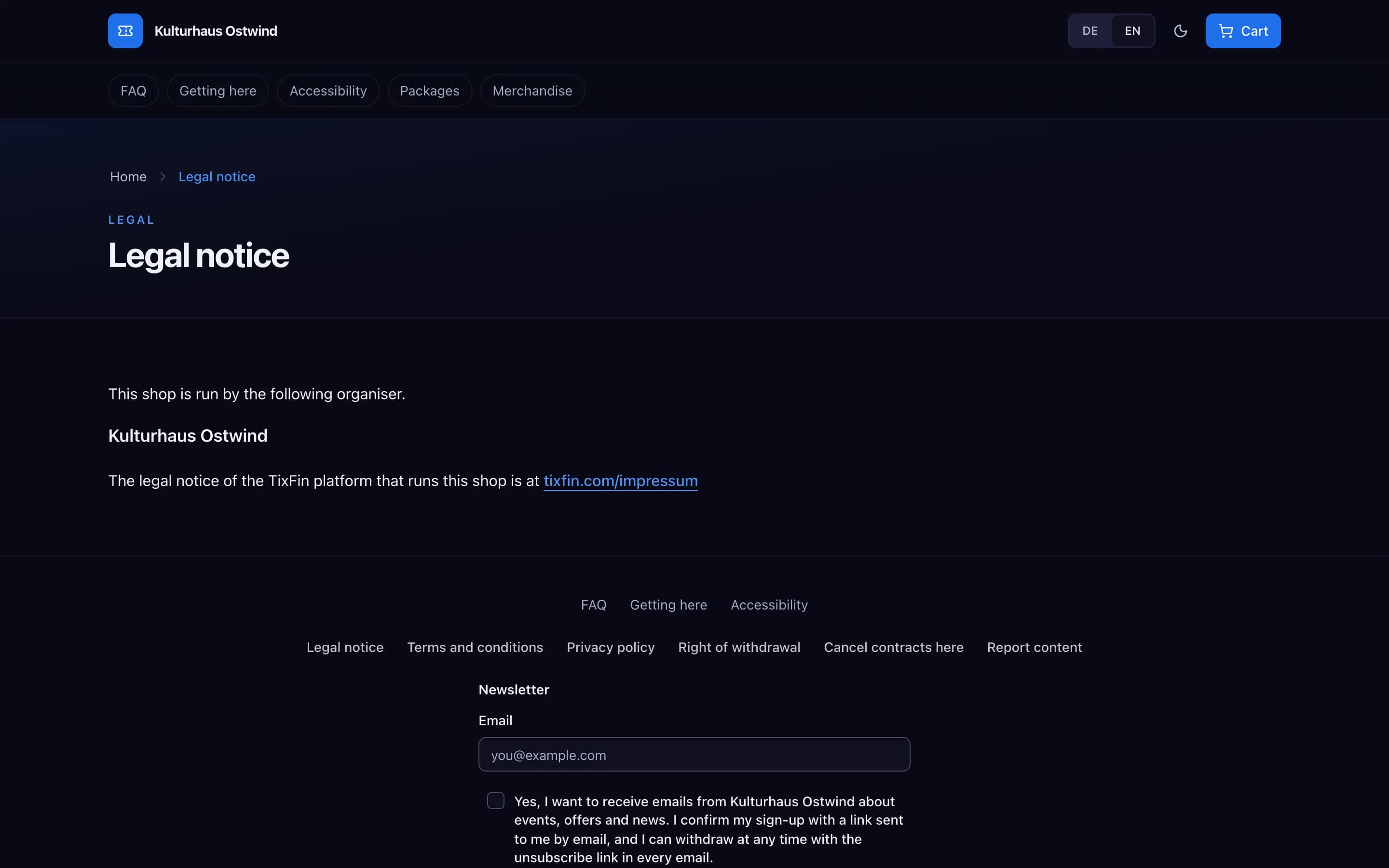
- Who the organiser is
- Terms and conditions
- Privacy policy
- Right of withdrawal
- Cancel contracts here
The checkout links the terms, privacy policy and withdrawal policy above the order button. The order confirmation e-mail includes the organiser's terms.
For tickets to leisure events on a specific date there is no right of withdrawal. The checkout and the order confirmation say so. To get money back for a ticket, use Refund a ticket if the organiser offers it, or contact the organiser.
The Widerrufsbelehrung (Right of withdrawal) page of the shop you bought from is the authoritative text for your purchase.
Cancel a membership or recurring donation
Every shop footer has Verträge hier kündigen (Cancel contracts here). With an account, the card in account menu → My memberships also links to it: Cancel contracts here. The link is missing when the organiser's shop has no address.
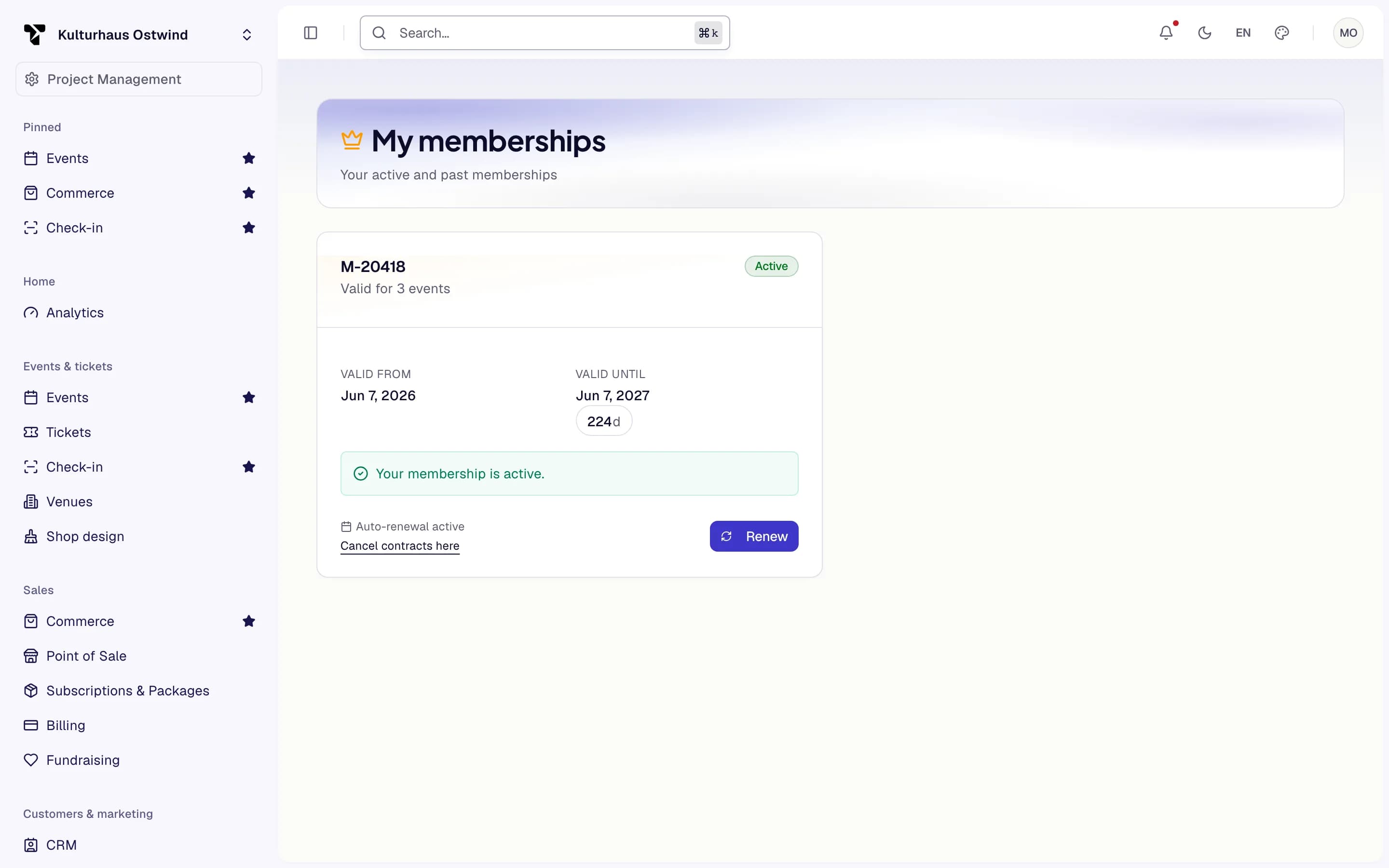
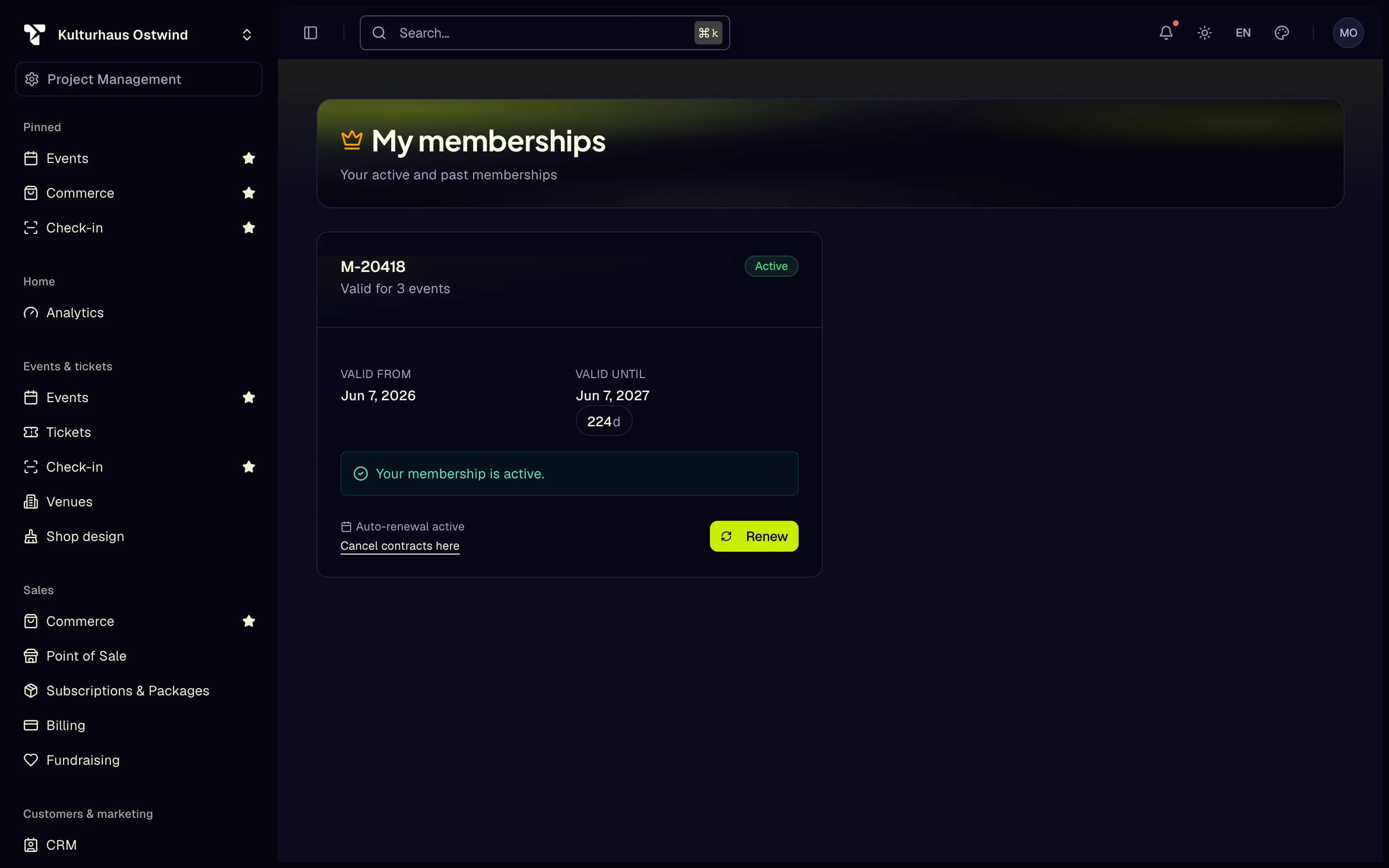
- Your membership
- Cancel contracts here
Choose the Art des Vertrags (Type of contract): Mitgliedschaft (Membership) or Regelmäßige Spende (Recurring donation).
Choose the Art der Kündigung (Type of cancellation): Ordentliche Kündigung (Ordinary cancellation), at the earliest possible date, or Außerordentliche Kündigung (Extraordinary cancellation), for good cause. For an extraordinary cancellation, state the reason.
Tell the shop how to find your contract: your Mitgliedsnummer (Member number) or E-Mail-Adresse (E-mail address), and the Vertragsnummer (Contract number) if you know it.
You see Deine Kündigung ist eingegangen (Your cancellation has been received) with a reference and the time it was received. Use Bestätigung drucken / speichern (Print / save confirmation) to keep a copy.
If you gave an e-mail address, you get "Confirmation of receipt of your cancellation" with a link. If you cancelled without signing in, open that link and press Kündigung bestätigen (Confirm cancellation). Only then does the cancellation take effect. The organiser tells you when the contract ends, and decides on an extraordinary cancellation.
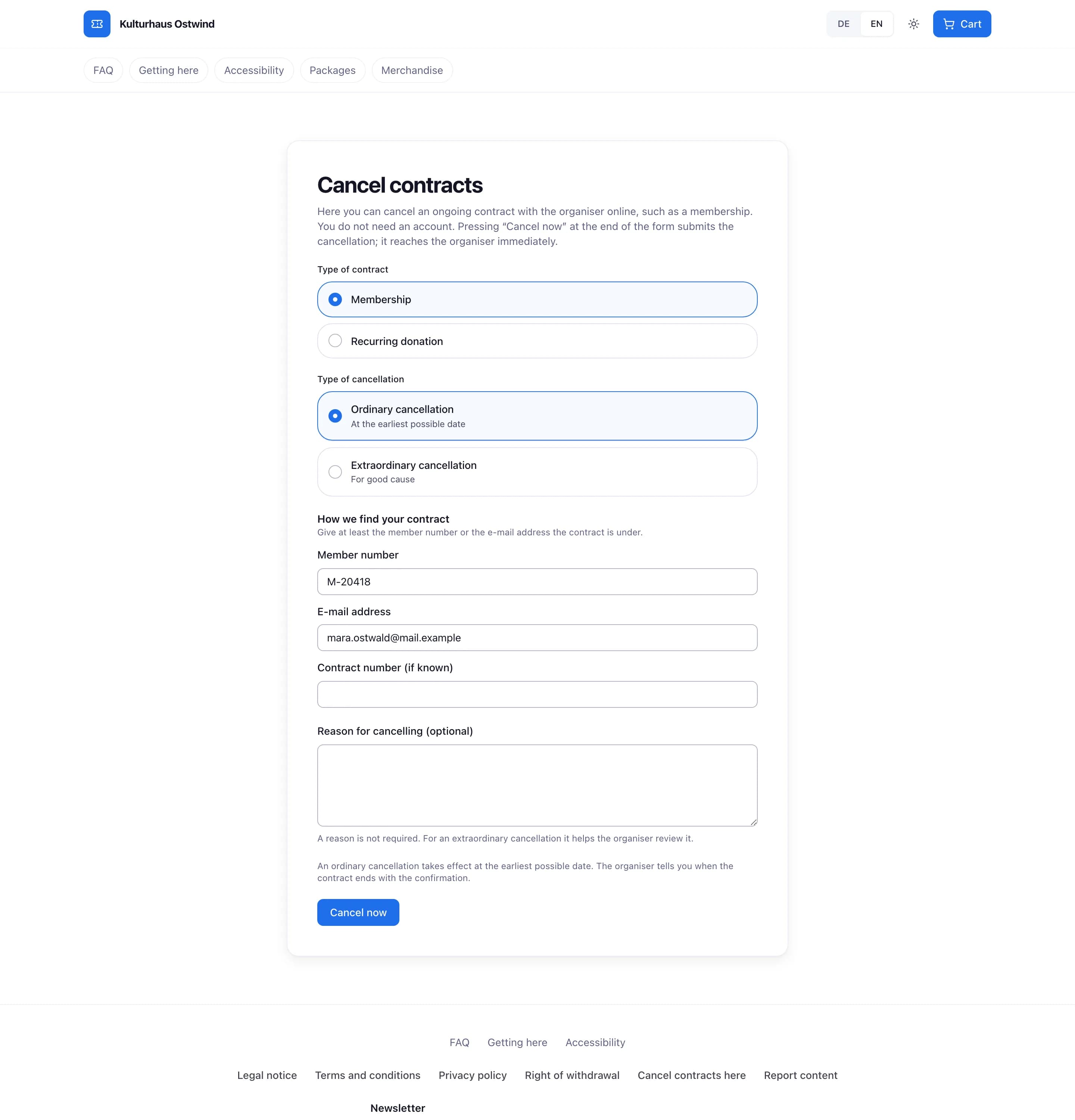
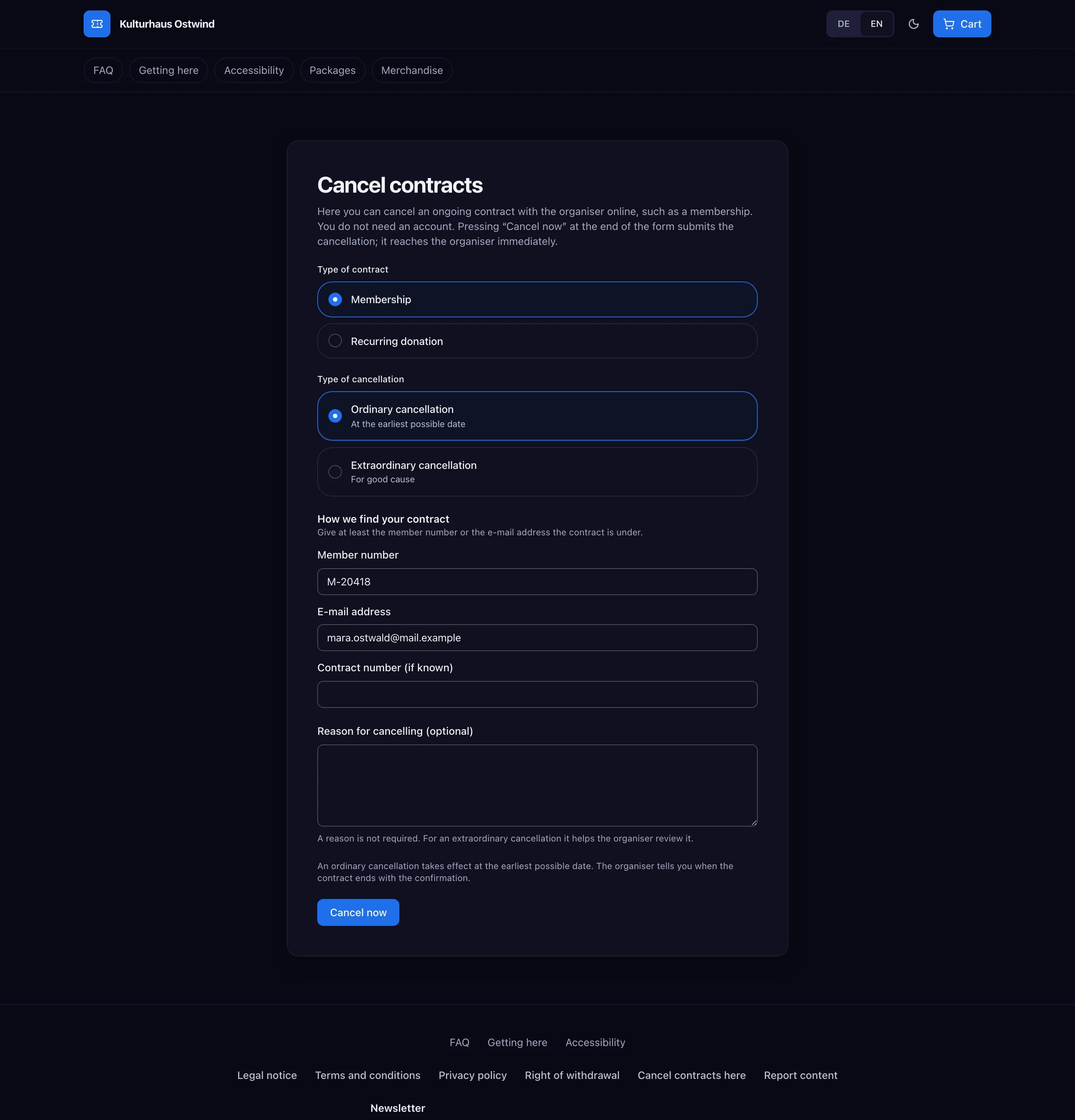
- Type of contract
- Type of cancellation
- Member number or e-mail
- Cancel now
Common problems
- "Bitte gib die Mitgliedsnummer oder eine gültige E-Mail-Adresse an." (Please enter the member number or a valid e-mail address.) Fill in at least one of the two.
- "Diese Vertragsnummer hat nicht das richtige Format." (This contract number is not in the right format.) Check it, or leave the field empty.
- "Zu viele Versuche." (Too many attempts.) Wait a few minutes and try again.
- "Dieser Link ist unvollständig" (This link is incomplete) on the confirmation page. Open the link from the e-mail again. Reloading the page does not work.
- "Dieser Link bestätigt keine Kündigung" (This link does not confirm a cancellation). The link was used already or has expired. Cancel again, or contact the organiser.