
 TixFin
Receipts and e-mails
Which e-mails you receive after buying, where to find your invoice, and what to do when an e-mail is missing
After an order you get e-mails from the organiser's shop: the order confirmation with your tickets, the invoice once it is issued, and an e-mail for every refund and for every ticket the organiser cancels.
Where: your inbox; with an account also account menu → My purchases and My tickets Who can do this: the buyer
What you receive
| When | What it holds | |
|---|---|---|
| Your tickets for … – order … | After a paid order | Your items (with seats), the total, the link to your tickets, the organiser as seller, and the organiser's terms |
| Your order … | When you send the confirmation again | The same confirmation once more |
| Your invoice for order … | Once the invoice of a paid online order is issued, usually right after payment | The order reference, the invoice amount and a link to the invoice |
| Refund for your order … | Each time a refund of your order is made, in full or in part | The amount, what it was for, which tickets it cancelled, the invoice its credit note corrects, and the link to your tickets |
| A ticket of your order … was cancelled | When the organiser cancels one of your tickets | The cancelled ticket, and the link to your other tickets |
| Please confirm your free tickets | After a free order | A link to confirm the tickets, valid for 10 minutes |
| A ticket has been offered to you | When someone transfers a ticket to you | The link to accept it |
| Your participation certificate is ready | After the event, if the organiser offers certificates | Your certificate |
| Confirmation of receipt of your cancellation | After cancelling a membership or recurring donation | What you cancelled and when |
| Please confirm your newsletter sign-up | After signing up for an organiser's newsletter | A link to confirm, valid for 72 hours; see Newsletter and unsubscribing |
Find your invoice
The invoice is issued in the organiser's name; TixFin is only the technical platform. It is e-mailed to you as "Your invoice for order …".
- Without an account: the link in the invoice e-mail downloads the PDF. You need no account for it. Keep the e-mail: the link is how you get the invoice again.
- With a TixFin account: the link opens account menu → My purchases. Your invoices lists every invoice. Press the download button (Download PDF) on a row, or open the invoice for its details.
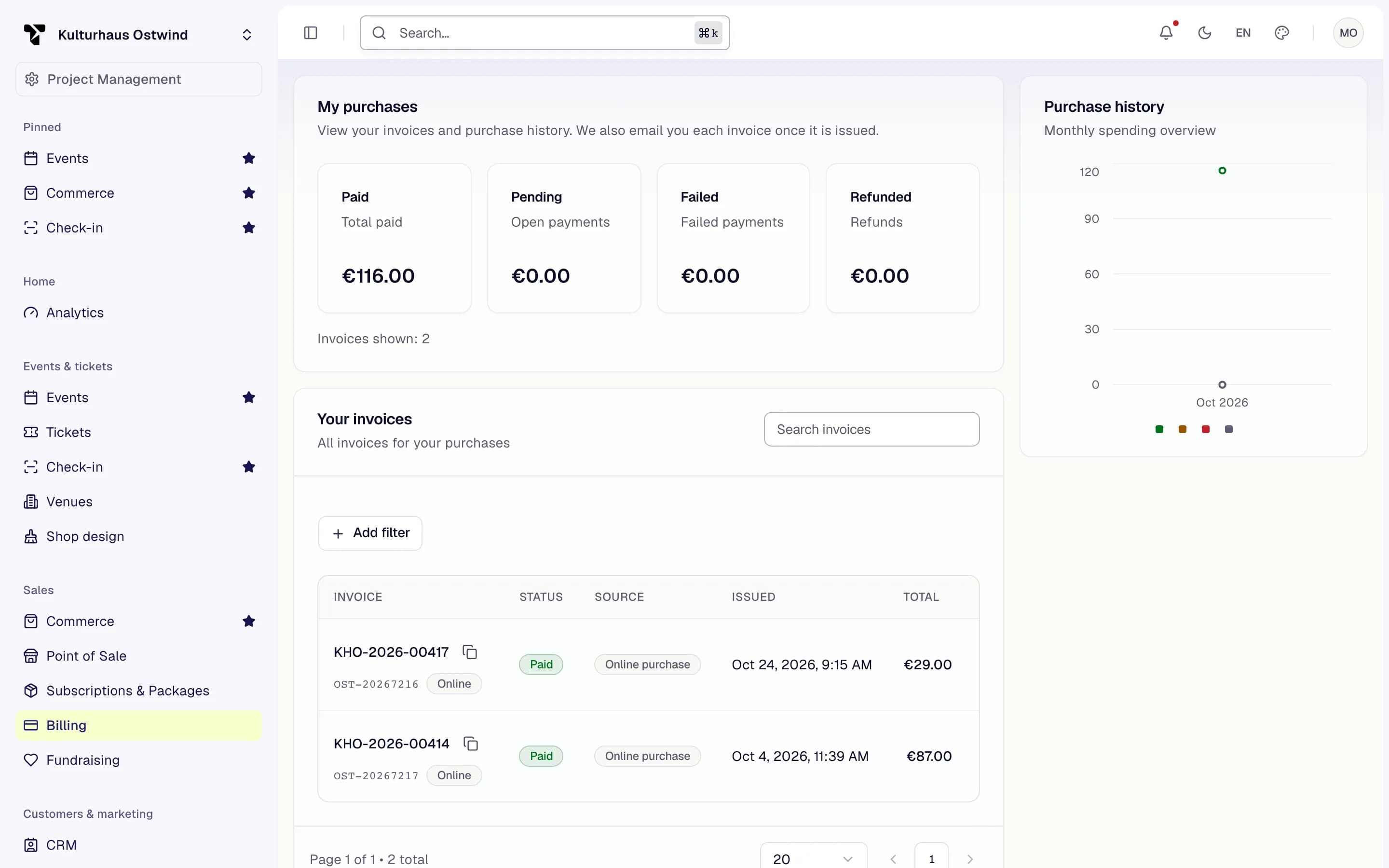
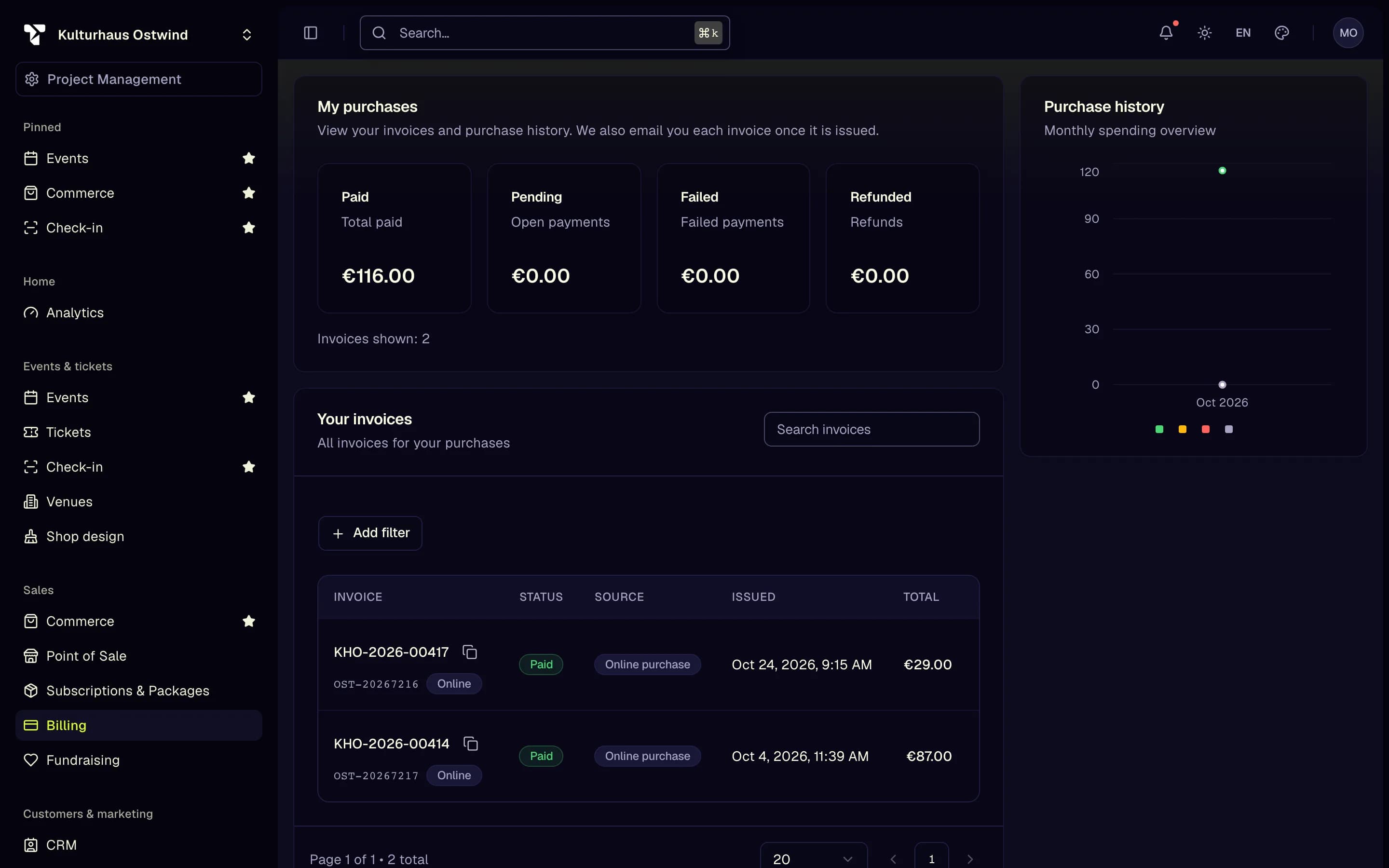
- My purchases
- Your invoices
- Open an invoice
Only online orders get the invoice e-mail. For a purchase at the box office or the door, ask the organiser. Their details are in the order confirmation and on the shop's Legal notice page.
If you need your billing address on the invoice, tick Ich brauche eine Rechnung mit meiner Rechnungsadresse (I need an invoice with my billing address) at checkout, before you order. For a correction, contact the organiser.
The refund and cancellation e-mails come in the language you bought in. With an account they go to your account's address; without one, to the address you entered at checkout.
The e-mail did not arrive
With an account: open the ticket in My tickets and press Send confirmation again. It goes to your account's e-mail address. This works for paid tickets, once every 10 minutes per order.