
 TixFin
Newsletter and unsubscribing
How to sign up for an organiser's newsletter, confirm it, and stop it again
An organiser may send you emails about their events and offers, but only if you asked for them and confirmed it.
Where: the organiser's shop (checkout and footer), and the links in the emails Who can do this: anyone, with or without an account
Sign up
- Tick the newsletter box in the shop's checkout, or enter your address in the Newsletter form at the bottom of the shop and tick the box. The box is never ticked for you.
- You receive Please confirm your newsletter sign-up. Click the link within 72 hours.
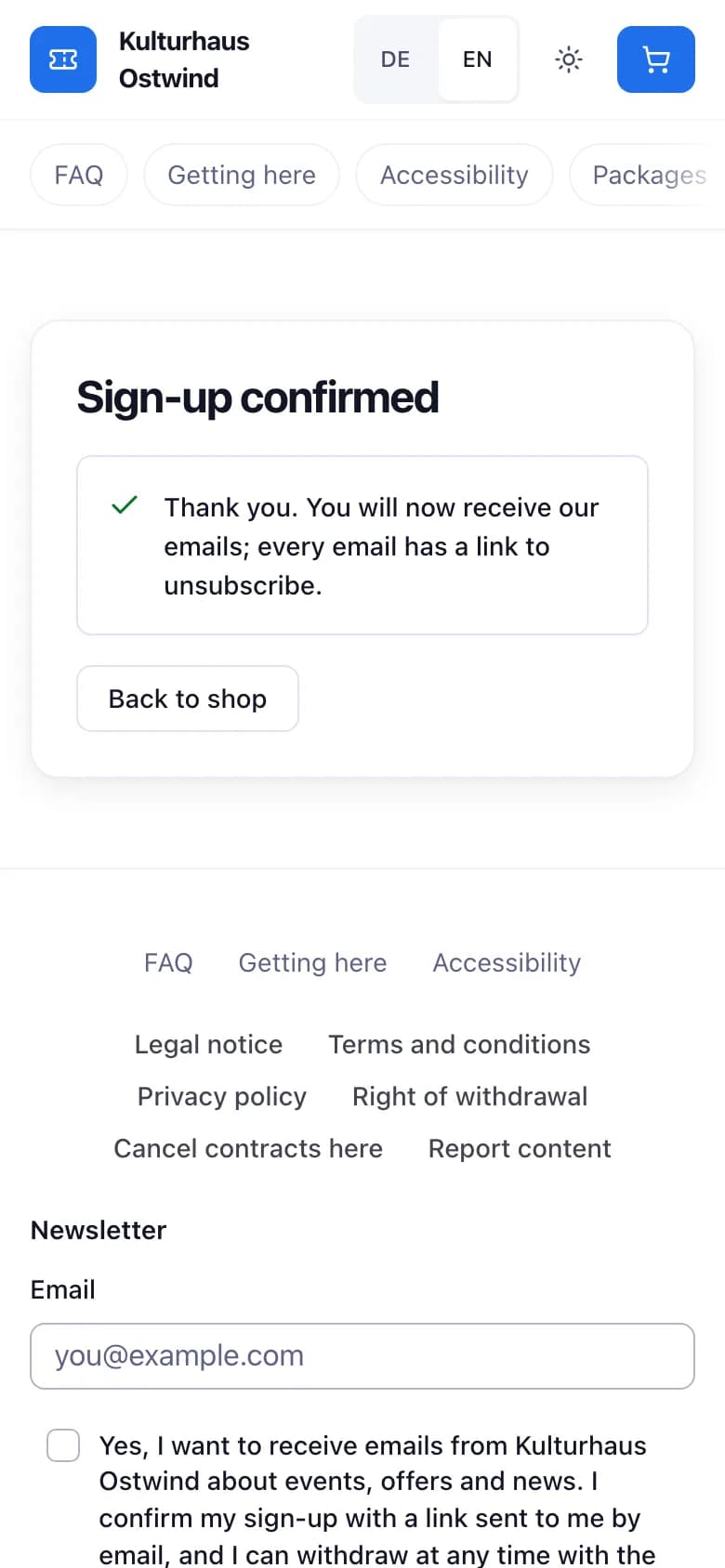
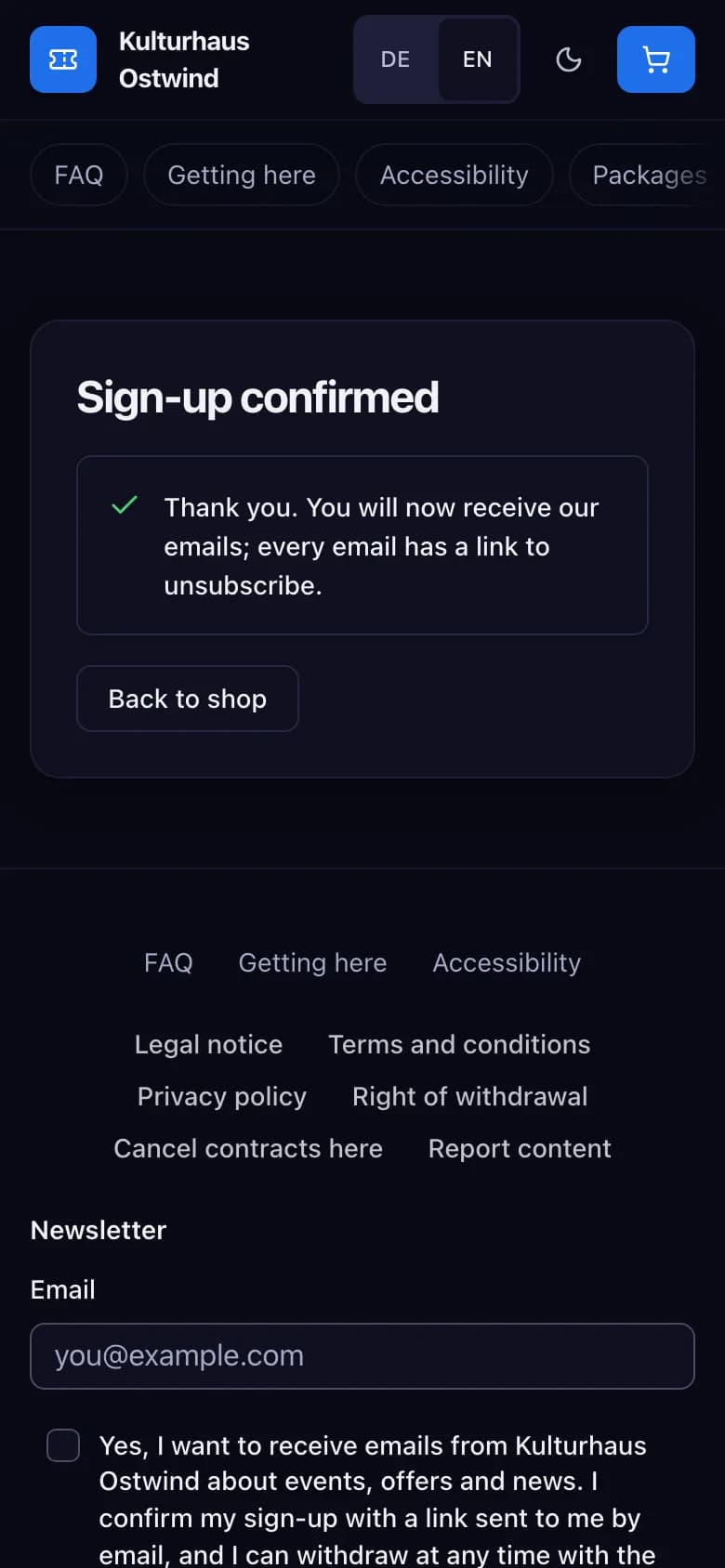
- The shop says Sign-up confirmed. Only now do you receive the organiser's emails.
- Newsletter form
- Tick the box yourself
- Sign-up confirmed
If you do not click the link, nothing is sent and your sign-up is deleted after 72 hours. A sign-up applies to that one organiser's shop.
Unsubscribe
- Click Unsubscribe at the bottom of any newsletter email. On the page that opens, untick Marketing emails and click Save preferences.
- Many mail apps also show an Unsubscribe button next to the sender; it unsubscribes you at once.
Unsubscribing takes effect immediately: emails already on their way are not delivered either. To receive the newsletter again, sign up again in the shop and confirm the new link.
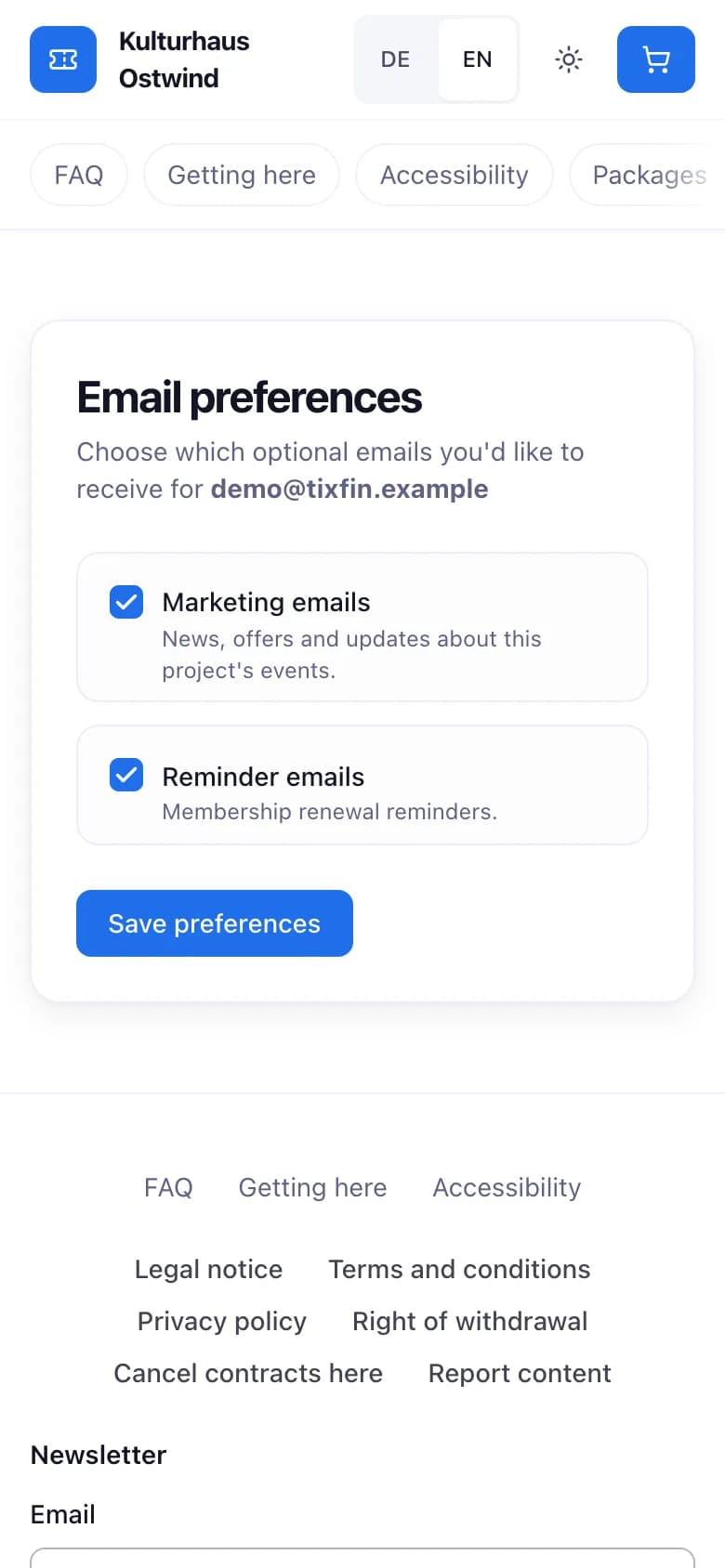
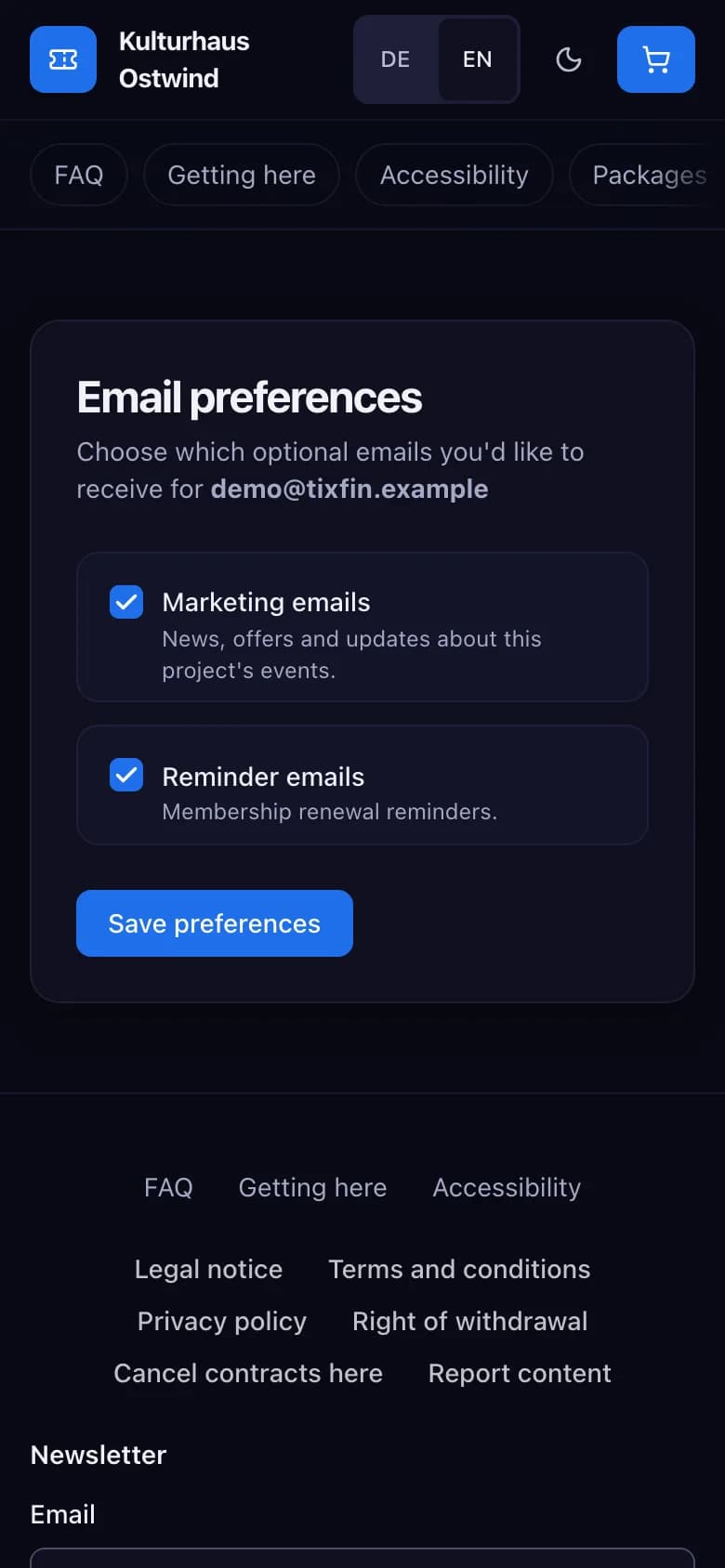
- Untick Marketing emails
- Save preferences
Your data
The organiser does not see your address; the shop keeps it encrypted, only to send you the newsletter. It records when and where you signed up, which consent text you saw, and when you confirmed or unsubscribed. After you unsubscribe the address is deleted; the record of your consent is kept for three years as proof, then deleted. You can ask for this information or its deletion through the platform's privacy request; see Your account.
Common problems
- No confirmation email. Check your spam folder. You can sign up again; the newest link is the one that works.
- "Link not valid". The link was already used, expired after 72 hours, or a newer one was sent. Sign up again.
- Still receiving emails after unsubscribing. Each organiser's shop is separate: unsubscribe in the email of the organiser that still writes to you.