
 TixFin
Organisers
Every organiser task in the TixFin dashboard, grouped like the sidebar
3 min read
This is the starting point for everything you do as an organiser in the web dashboard. The sections follow the sidebar groups, so the page you need sits under the same heading as the area you click.
Where: beta.tixfin.com, signed in, with a project selected Who can do this: members of a project. Your role decides which areas you see (Team and roles).
New here? Do the Quick start once, and read Find your way in the dashboard.
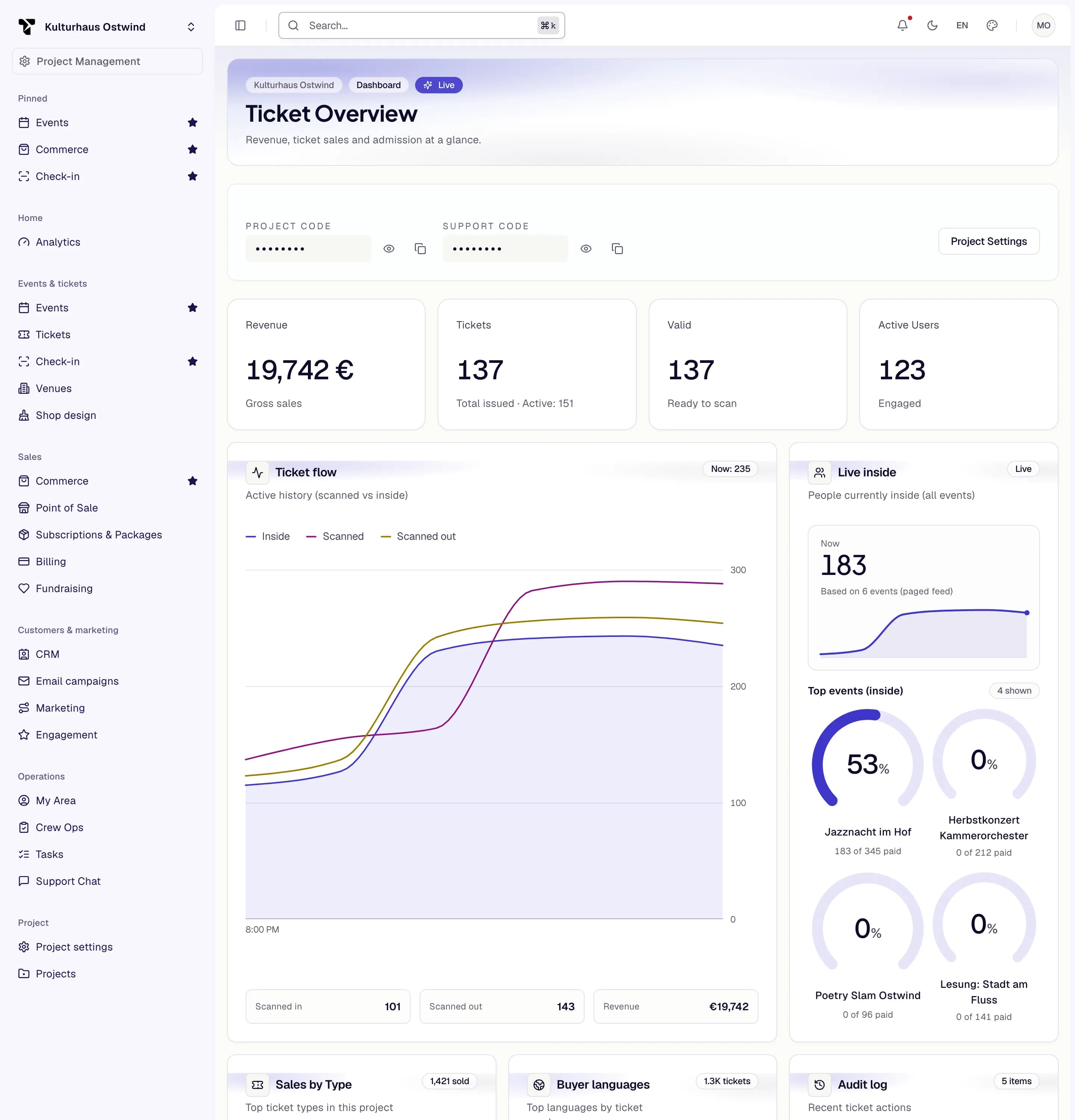
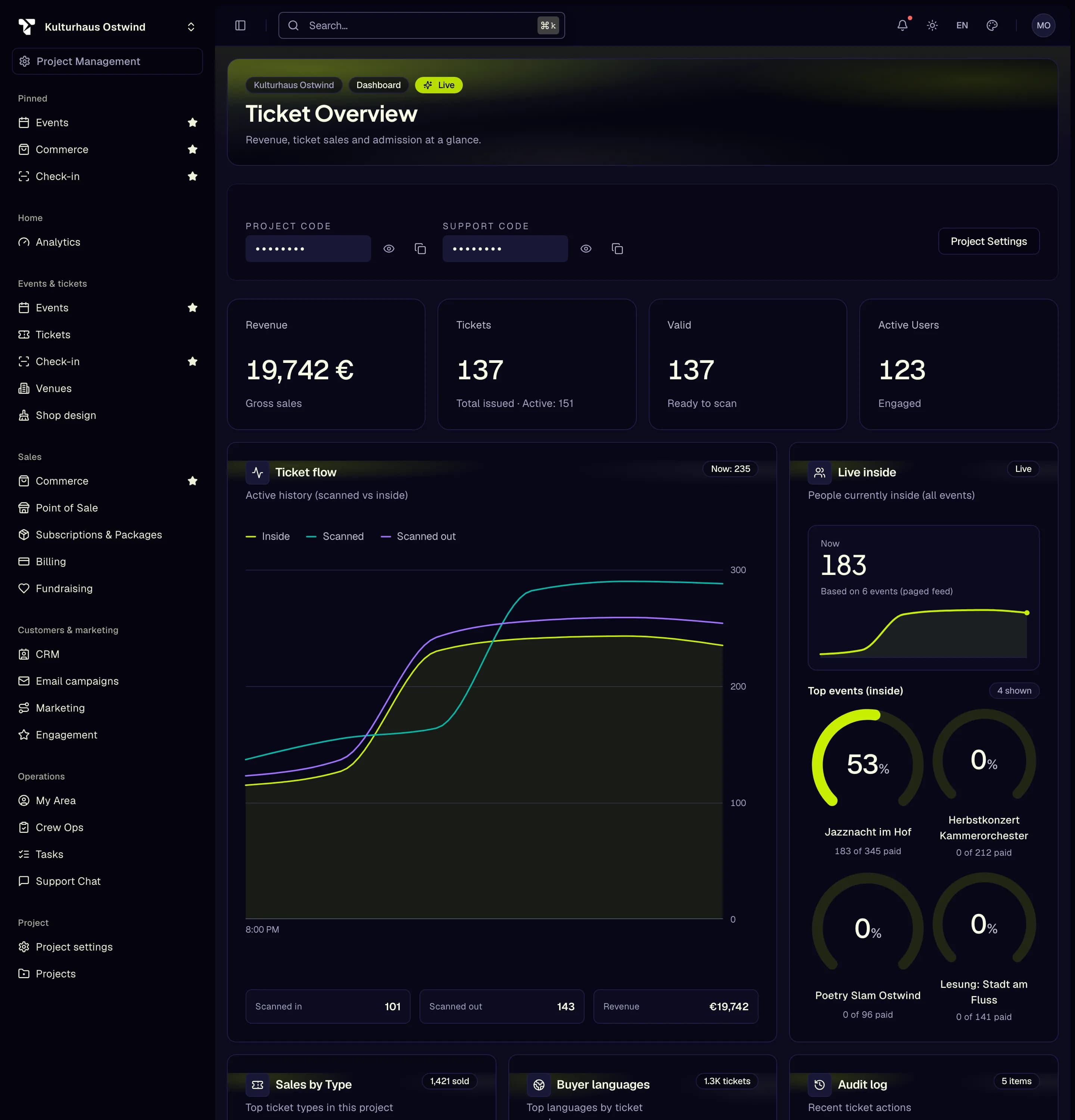
- Project switcher
- Sidebar area, e.g. Tickets
- Search… opens the command palette
- Star to pin an area
- Account menu
Events & tickets
| How do I … | Page |
|---|---|
| Create, publish, postpone or cancel an event | Events |
| Find an event by name, venue or status | Find an event |
| Allow buyers to transfer tickets, per event or per ticket type | Allow ticket transfers |
| Create ticket types, categories, add-ons, waitlists and lotteries | Tickets |
| Set up a venue and a seatmap, sell seats | Venues and seatmaps |
| Check tickets in from a browser, set up check-in lists and access zones | Access control |
| Offer tickets as Apple Wallet and Google Wallet passes | Wallet passes |
| Run accreditation, programme, parking or badges | Event operations |
| Design my shop, see whether it has unpublished changes | Shop designer |
Sales
| How do I … | Page |
|---|---|
| Find an order, refund or exchange a ticket | Orders and Point of Sale |
| Sell in person at the till | Orders and Point of Sale |
| Connect my payment provider, understand fees | Payments |
| Find out why bank transfer is not offered | Bank transfer |
| Design my invoices, find invoices and credit notes | Invoicing |
| Know how buyers get their invoice | How buyers get their invoice |
| Choose my TixFin plan, understand TixFin's fees | Billing and plans |
| Run the shop: checkout, vouchers, discounts, support chat | Shop |
| Publish the legal pages of my shop | Shop legal pages |
Customers & marketing
| How do I … | Page |
|---|---|
| Keep contacts, segments, campaigns, journeys, loyalty, memberships, referrals, fundraising | CRM and marketing |
| See how visitors use your shop: sessions, goals, funnels, Web Vitals, checkout funnel | Shop analytics |
Operations
| How do I … | Page |
|---|---|
| Plan shifts, check crew in, write briefings and run sheets, log incidents | Crew Ops |
| Give door staff and crew the app | Door & crew app |
Project
| How do I … | Page |
|---|---|
| Set up my project: details, branding, subdomain, opening hours | Projects |
| Set opening hours that run past midnight | Set opening hours |
| Invite my team and give them roles | Team and roles |
| Find a team member or an invitation | Find, change or remove a member |
| Link my shop from my website, create Partner API keys | Integrations |
| Find a feature not listed here | More features |
Common problems
- An area in this list is missing from your sidebar. Your role or your plan does not include it, or a different project is selected.
- A page refuses to open with "no permission". Ask a project owner or admin to add the permission to your role.
- More answers: FAQ · Troubleshooting.