
 TixFin
Event operations
Accreditation, entitlements, program, parking and badge printing for an event, and where each one lives
Event operations covers what happens around the ticket on site: approving press and guests, handing out meals and drinks, running a program, assigning parking and printing badges. Every attendee holds a ticket, also guests who paid nothing, and these modules work with that ticket.
Who can do this: project members whose role includes the module's permissions. Ask a project admin (Team and roles).
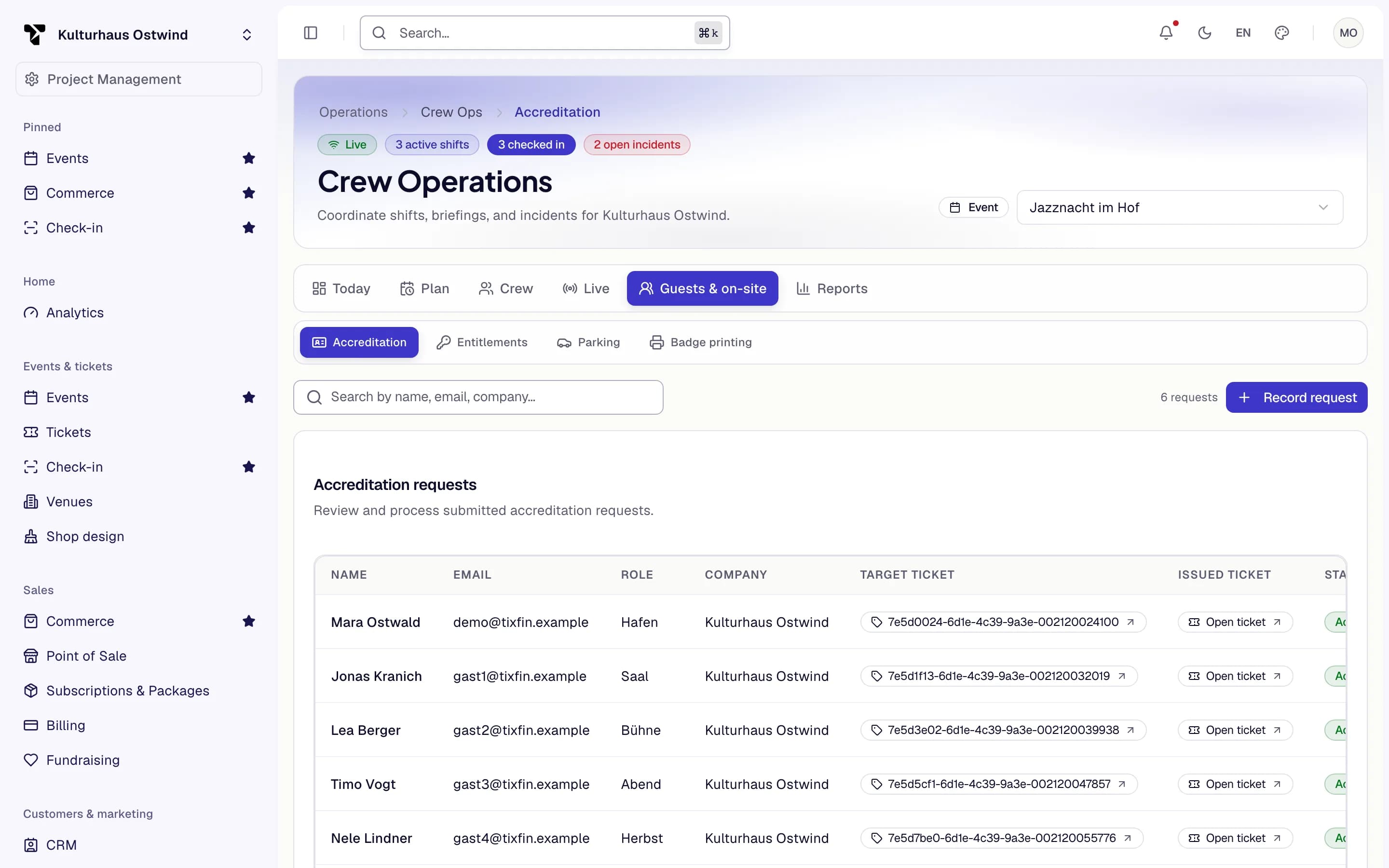
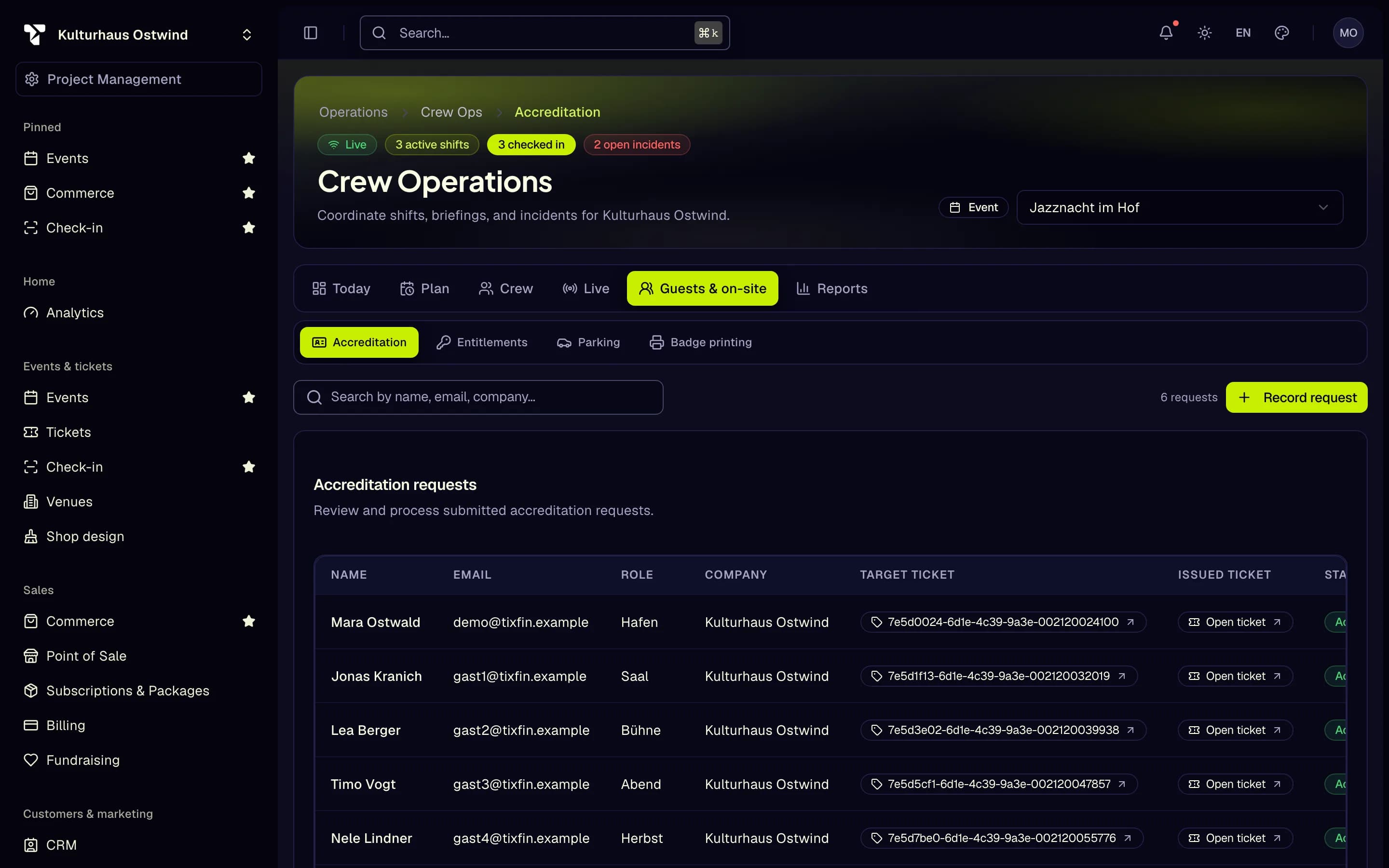
- Guests & on-site tab
- Accreditation
- Search requests
- Record a request
How do I …
- Approve press, speakers or guests and issue their tickets
- Set working-time and check-in rules, incident categories and crew preferences
- Hand out meals, drinks or merchandise
- Build a program of talks and workshops
- Assign parking to vehicles
- Print badges at a check-in desk
- Set up access areas and doors
Where to find each module
| Module | Where |
|---|---|
| Accreditation, Entitlements, Parking, Badge printing | Operations → Crew Ops, tab Guests & on-site |
| Program | Events & tickets → Events, tab Program |
| Access areas | Events & tickets → Tickets → Tools → Access control |
| Scanning tickets | Events & tickets → Check-in (Check-in) |
Pick the project and the event at the top of each page.
Why a module is missing
Accreditation, Entitlements, Parking and Badge printing appear only when your role allows them and the module is switched on for your project or event. Some are offered step by step, and a module can be paused for a while. If a tab is missing, or a change is refused with a message while you can still see the data, ask your project admin or TixFin support whether the module is available for your project.
Approve an accreditation request
Accreditation is for people who attend without buying, such as press, speakers or VIPs. Approving a request issues them a ticket.
Where: Operations → Crew Ops → Guests & on-site → Accreditation
After approval the request shows the Issued ticket. Open ticket jumps to it. Search the requests by name, email or company.
Common problems
- "No event selected". Pick the event at the top of the page.
- "Enter at least a name or an email address." An accreditation request needs one of the two.
- A Guests & on-site tab is missing. See Why a module is missing.