
 TixFin
Program
Build an event's program of tracks and sessions with rooms, times and capacity
The program lists the talks, workshops and other sessions of an event, grouped in tracks such as "Main stage".
Where: Events & tickets → Events → tab Program. Pick the project and event at the top. Who can do this: members whose role includes the program permissions
Create a track
Add a program item
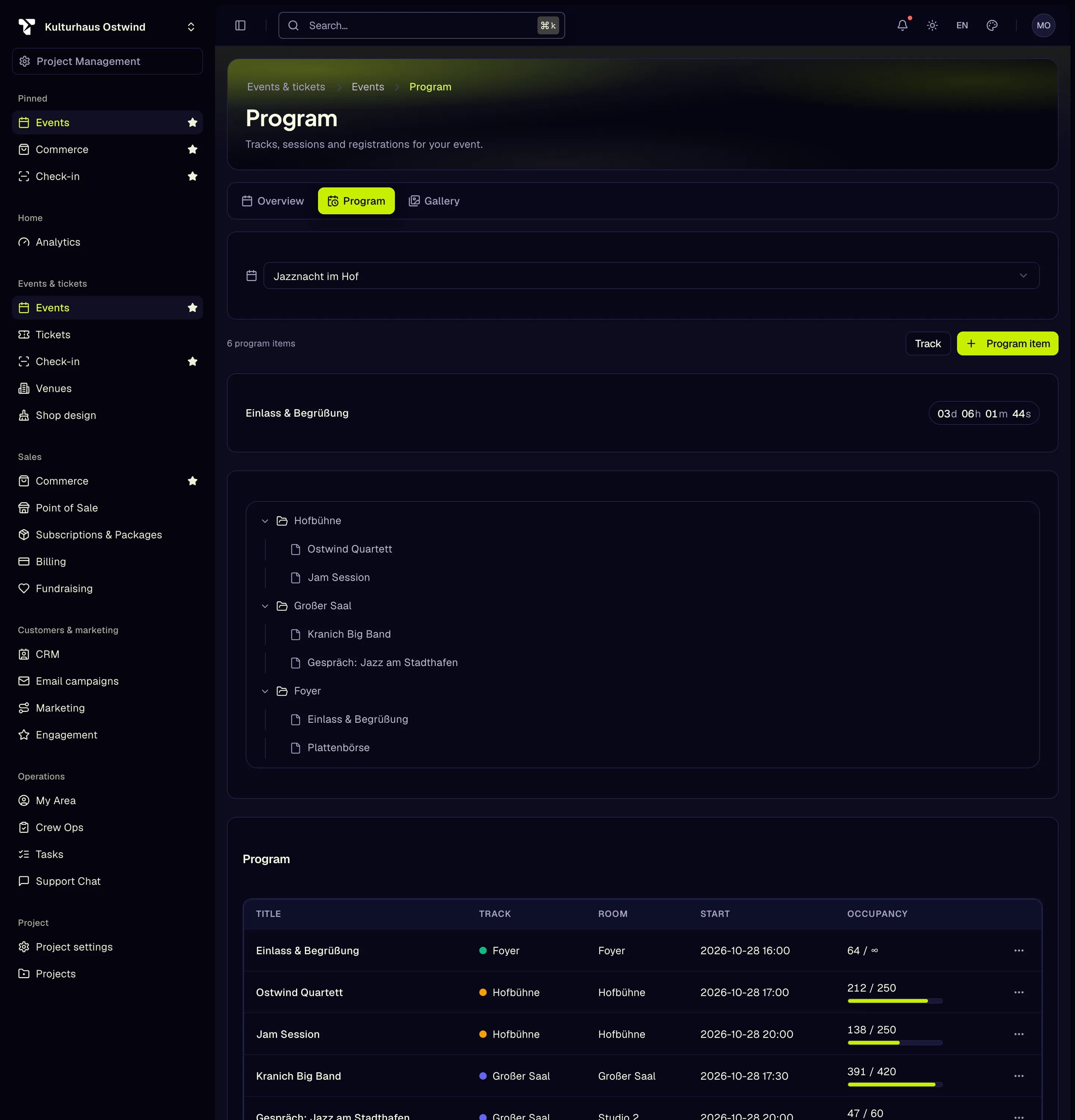
The table lists each item with Title, Track, Room, Start and Occupancy. Click Edit to change an item. The tree at the top shows the tracks with their items, and the page counts down to the next item.
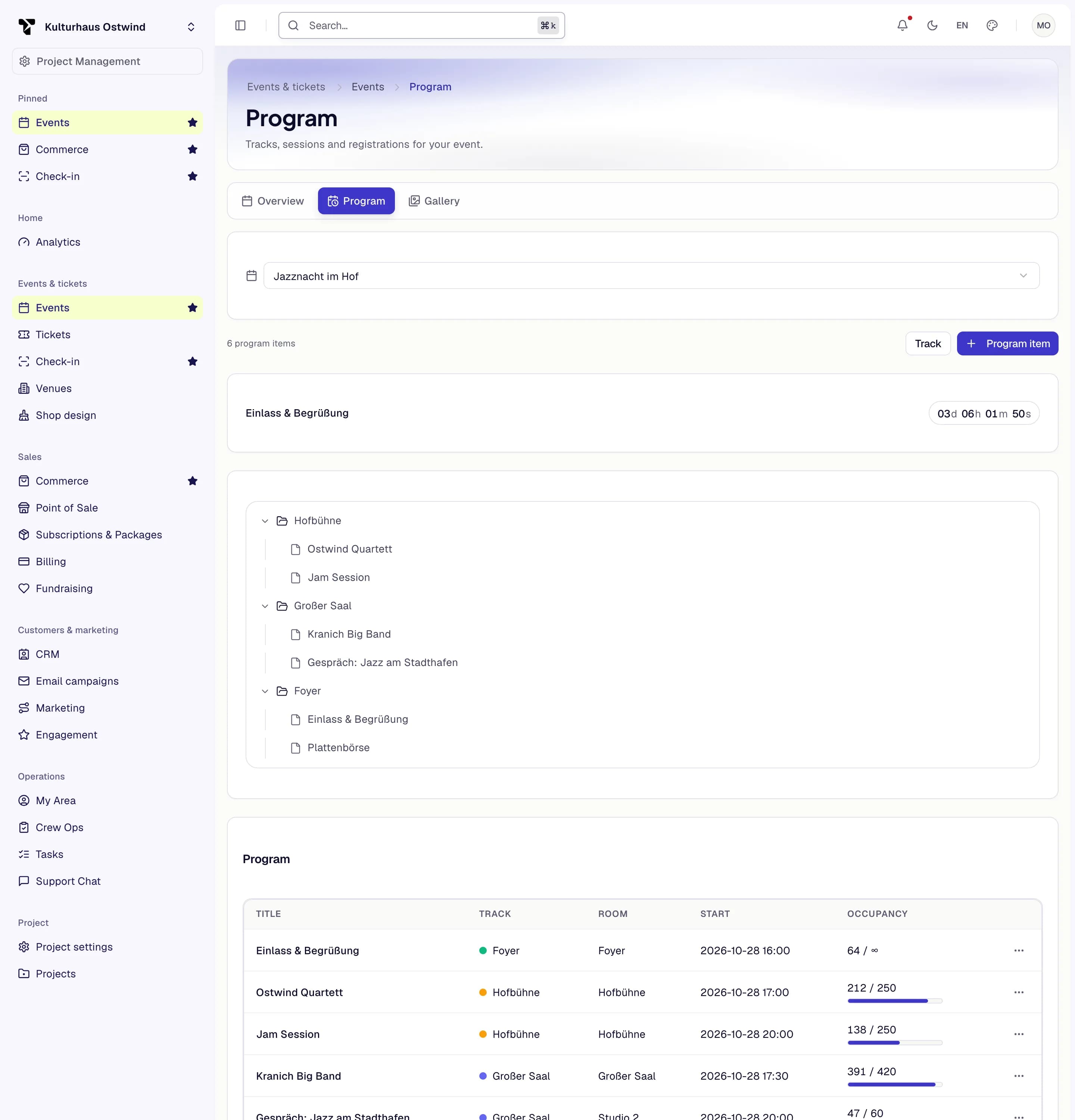
- Track
- Program item
- Tracks with their items
- Countdown to the next item
- ⋯ menu: Registrations
Manage session registrations
A session with limited seats can take registrations. Attendees are identified by their event ticket.
Cancel registration frees the place, and the oldest waitlisted ticket moves up. The heading shows the places taken against the capacity.
Common problems
- "No event selected". Pick the event at the top of the page.
- The Program tab is missing. Your role does not include the program permissions. Ask a project admin.