
 TixFin
Entitlements
Define meals, drinks and other allowances, grant them to tickets and redeem them at a counter
An entitlement is something a ticket holder may collect a set number of times, such as lunch, drink vouchers or a cloakroom use. You define it once, grant it to tickets, and redeem it at a counter.
Where: Operations → Crew Ops → Guests & on-site → Entitlements. Pick the event at the top. Who can do this: members whose role includes the entitlement permissions
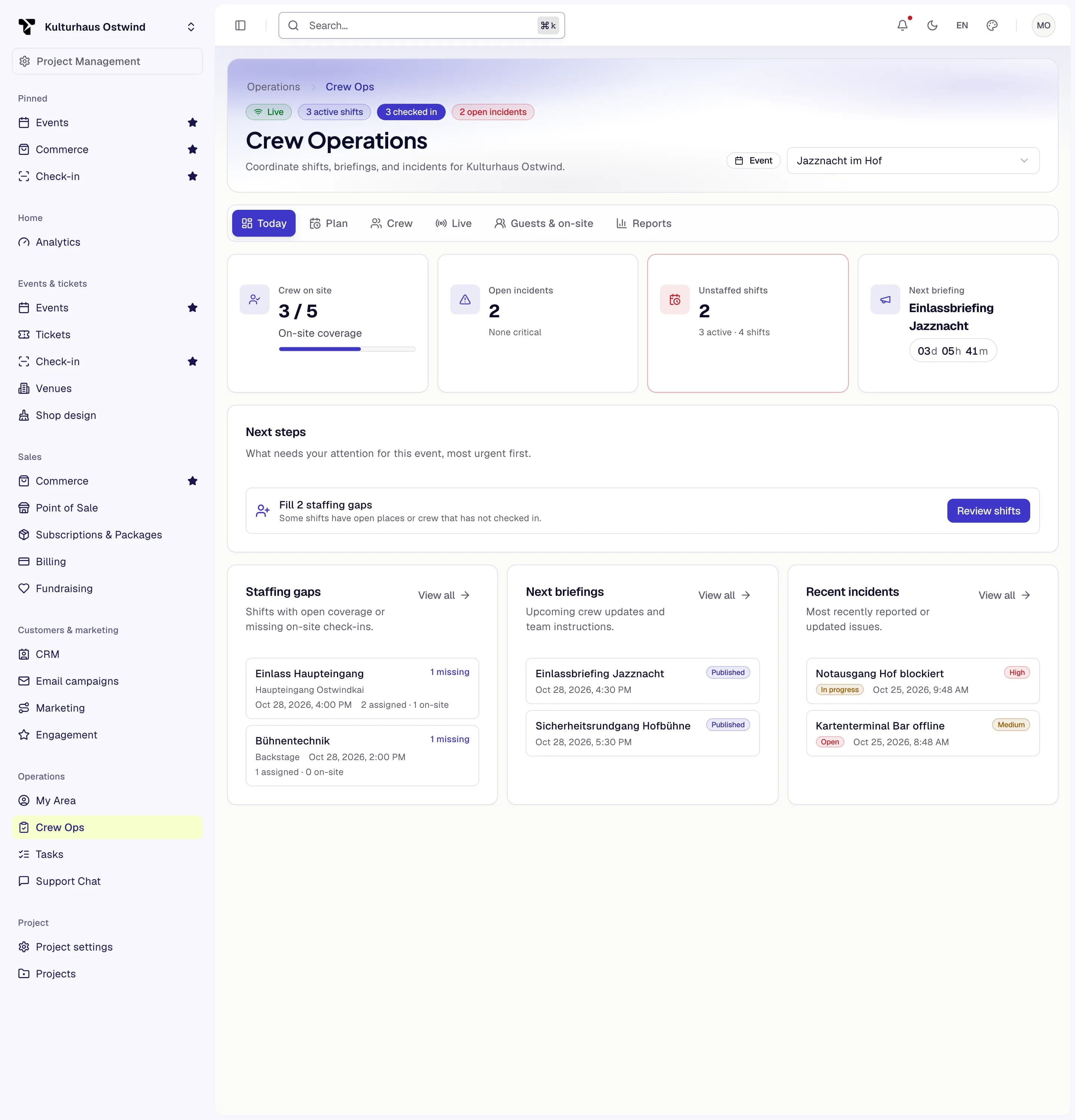
- Pick the event
- Today tab
- Status tiles
- Next step button
- View all
Define an entitlement
MEAL, DRINK, MERCHANDISE, PARKING, SESSION, CLOAKROOM or CUSTOM) and an optional Description.Add the counters where people collect under Issuing stations → Station (for example "North counter").
Grant an entitlement to a ticket
Granted entitlements lists what the ticket has, with the Remaining uses.
Redeem an entitlement
Each redemption counts against the limit. When nothing is left, or the entitlement is inactive, the redemption is refused with the reason.
Common problems
- "No entitlements for this ticket." Grant one first.
- "No event selected". Pick the event at the top of the page.
- The Entitlements tab is missing. See Why a module is missing.