
 TixFin
Media Uploads
Let a photographer or agency upload files into one project
A media upload key lets someone outside your team — a photographer, an agency, or a tool you run — upload files into one project, and do nothing else. Uploads use the open tus resumable upload protocol, so a dropped connection picks up where it stopped.
Issue a key
You need the manage members permission. Issuing and revoking ask for your second factor if you have not confirmed it in the last ten minutes.
- Open Project settings → Team & permissions → Media uploads
- Under Issue an upload key, name who holds it (for example
photographer-anna: letters, digits, hyphen, underscore and dot, up to 64) - Choose how many days it stays valid (1 to 365, prefer the shortest the job needs)
- Click Issue key and copy it — it is shown only once
- Hand it to the holder over a safe channel
The Upload keys list shows every key of the project with its status, expiry and last use. Revoke stops a key from its next request on; a lost key is revoked and a new one issued, never recovered.

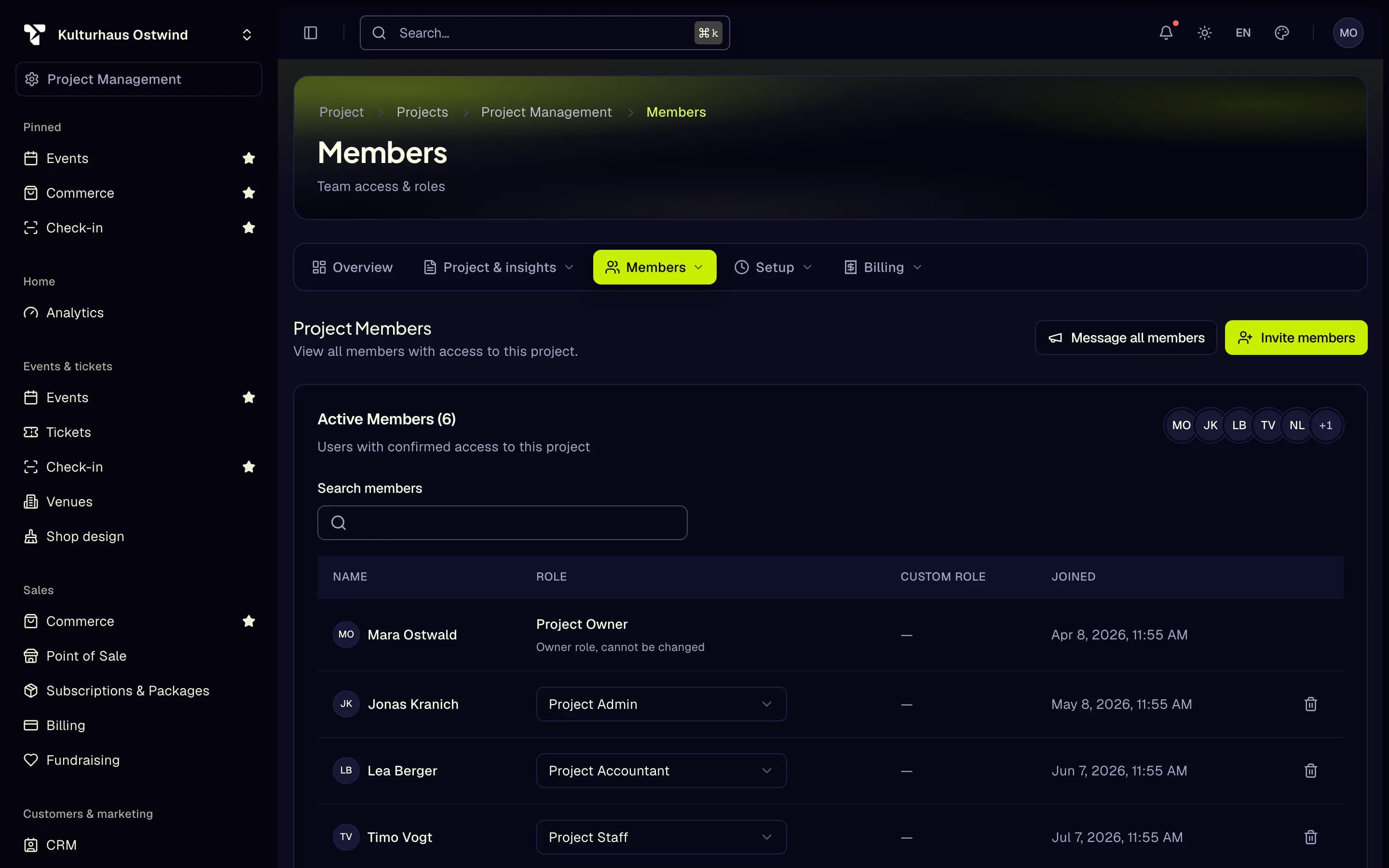
- Search members
- Change the role
- Remove a member
- Invite members
- Message all members
A key belongs to exactly one project. It cannot read anything, cannot act for another project, and cannot be used to sign in.
How the holder uploads
The key works with any tus 1.0 client on a server or in a script, for example
tus-js-client, Uppy, or the tusd tools. Never put it in a web page, an app
or a shared repository: anyone who can read it can upload with it.
- Endpoint:
https://api.tixfin.com/media/uploads(on beta:https://beta-api.tixfin.com/media/uploads) - Header on every request:
Authorization: Bearer <key>(orX-Upload-Key: <key>when the client needs the Authorization header for something else) - Chunks of at most 5 MB, smaller on a slow connection: each request must finish within a minute, and a request that is cut off is not counted.
- At most four uploads at once per key; more are answered
429with aRetry-After.
import { Upload } from "tus-js-client";

const upload = new Upload(file, {
  endpoint: "https://api.tixfin.com/media/uploads",
  headers: { Authorization: `Bearer ${process.env.TIXFIN_MEDIA_KEY}` },
  chunkSize: 5 * 1024 * 1024,
});
upload.start();
After the upload
Every file is scanned for malware, and images and PDFs are stripped of hidden
metadata, before it is published. A HEAD request on the upload's address reports the progress in the
Tixfin-Upload-State header; once it says available, the file is published on
the media host at /media/<project id>/<upload id>, where <upload id> is the
last part of the address the upload was created at.
| Status | Meaning |
|---|---|
401 | The key is missing, wrong, revoked or expired |
403 | The key is for another project |
408 | The upload stopped sending; HEAD for the offset and resume |
413 | The file is larger than the server accepts (100 MB per upload) |
429 | Too many requests or uploads at once; wait for Retry-After |